
Study Planner Generator
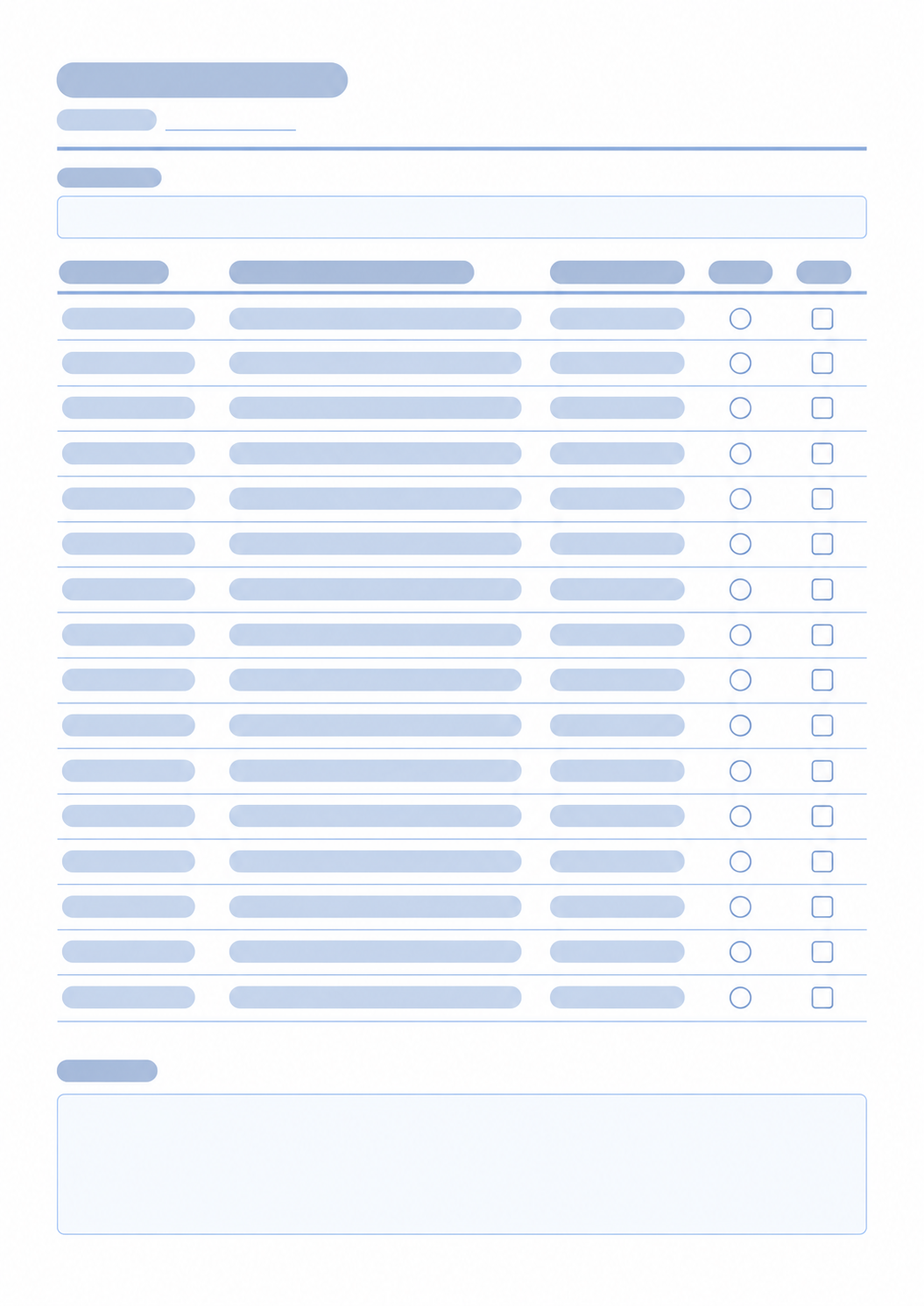
Print a study list with subject, topic, time, priority, and done columns you can show or hide.
40 characters max
Study Planner
| Subject | Topic / Task | Time / Duration | Priority | Done |
|---|---|---|---|---|
Type | Type | Type | ||
Type | Type | Type | ||
Type | Type | Type | ||
Type | Type | Type | ||
Type | Type | Type | ||
Type | Type | Type | ||
Type | Type | Type | ||
Type | Type | Type | ||
Type | Type | Type | ||
Type | Type | Type | ||
Type | Type | Type | ||
Type | Type | Type | ||
Type | Type | Type | ||
Type | Type | Type | ||
Type | Type | Type |
What this generator prints
This page prints a study session list. You can type a title. Turn columns on or off: subject, topic or task, time or duration, priority, and done. Choose Fill here to type the main goal, subject, topic, and time in the browser. Priority and done stay as empty marks on the page. The date line and notes block always print blank for handwriting. Choose Blank sheet to print empty rows.
How to Use
- 1Set the title and how many rows you want, from 1 to 25.
- 2Choose which columns to print.
- 3Choose Fill here to type the goal, subject, topic, and time, or Blank sheet for empty rows.
- 4Print or save as PDF. Write the date, priority, done marks, and notes by hand.
Subject, topic, time, priority, and done columns you can show or hide
Optional in-browser text for the goal and the text columns
Empty priority and done marks, plus a blank date line and notes block
A blank template when you choose Blank sheet
Related generators
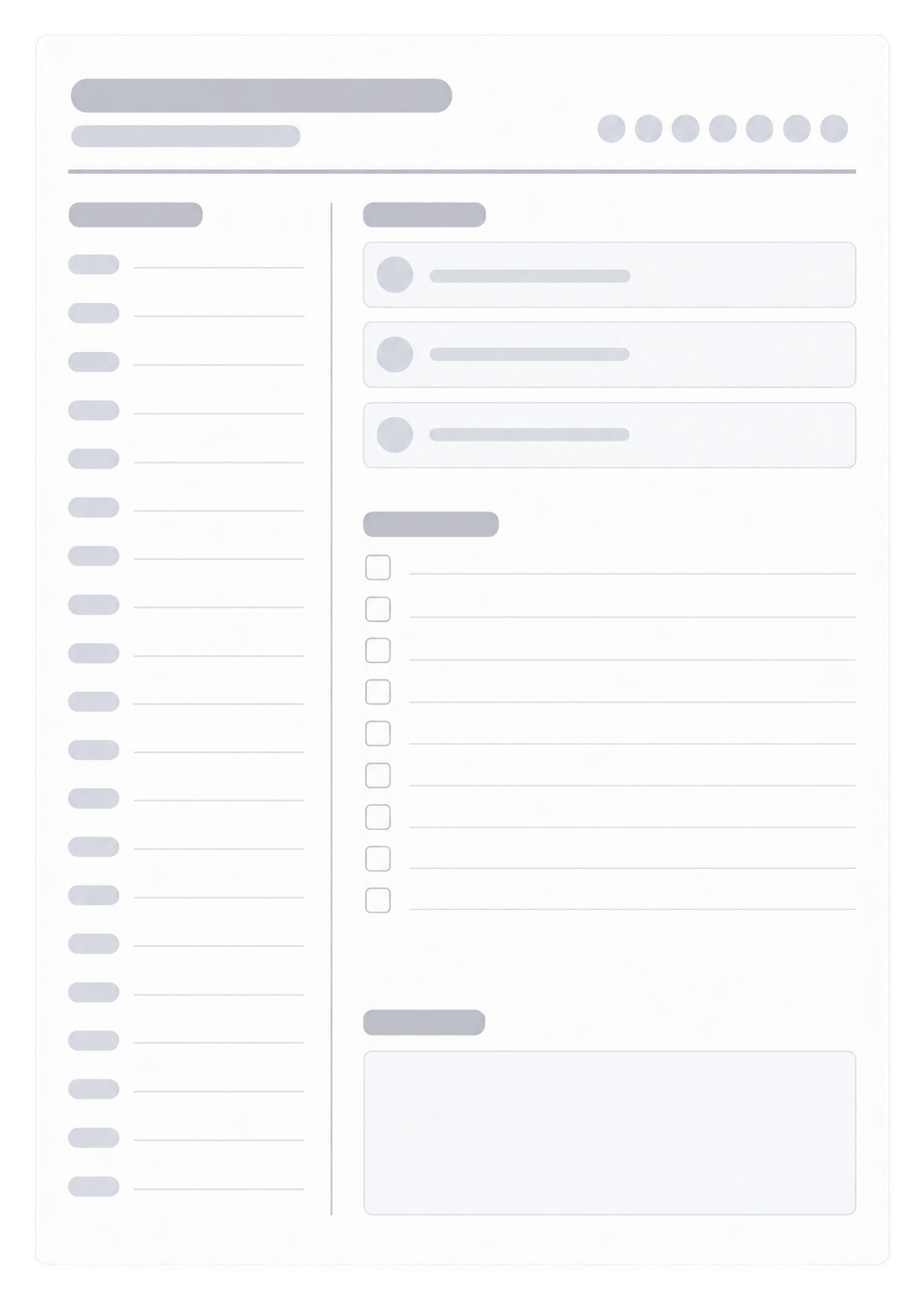
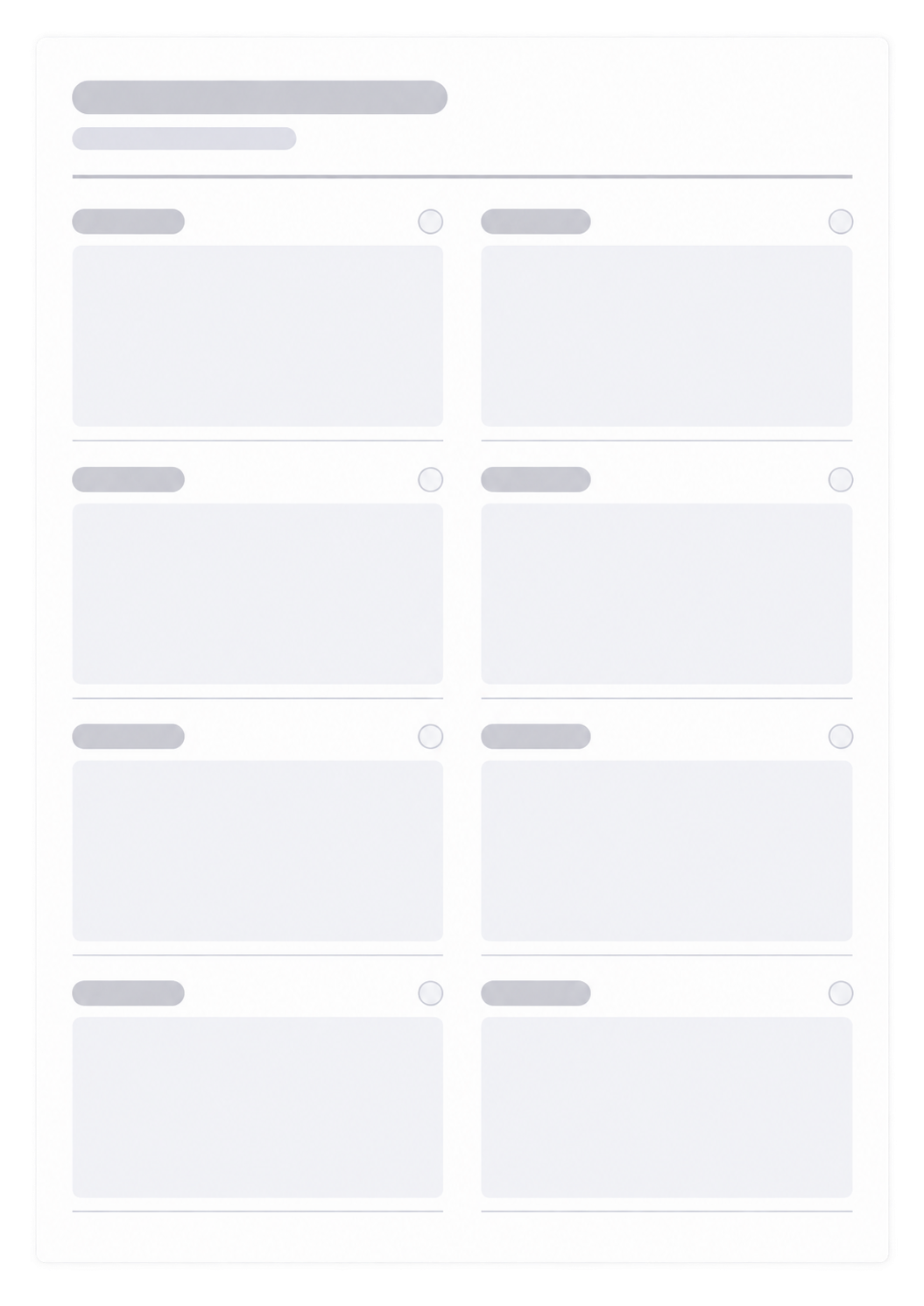
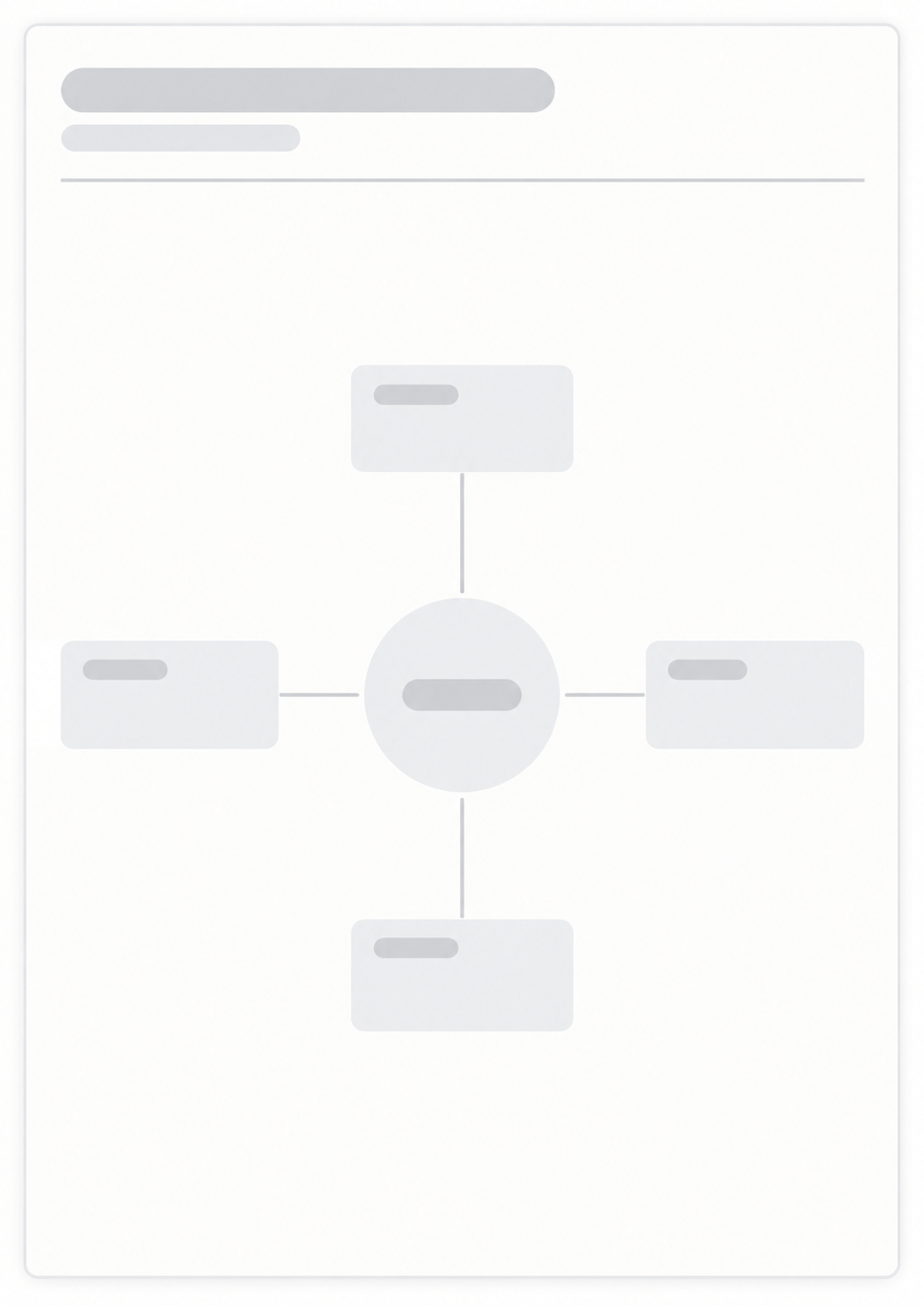
After you list study sessions, these generators cover the hours in a day, the week around them, a map of the topic, and a reading list.


Questions about the Study Planner?
Does this study planner save my sessions or need an account?
- No. Nothing you type is stored after you leave the page. Print or save as PDF; the paper is the record of that study block.
What goes in each row?
- Each row can show a subject, a topic or task, a time or duration, a priority mark, and a done mark. Turn columns on or off before you print. Priority and done are empty marks even when Fill here is selected.
Can I print a blank sheet?
- Yes. Choose Blank sheet to print empty rows, then write sessions by hand.
What paper size should I use?
- This planner prints as one portrait page. Keep the print scale at 100% and turn off headers and footers so the URL does not print.
How is this different from a daily planner?
- This page is a list of study sessions. For an hourly schedule of the whole day, use the Daily Planner.