
Mind Map Generator
Print a mind map with a central topic, branches, and nodes you can move, resize, and recolor.
Print Preview
What this generator prints
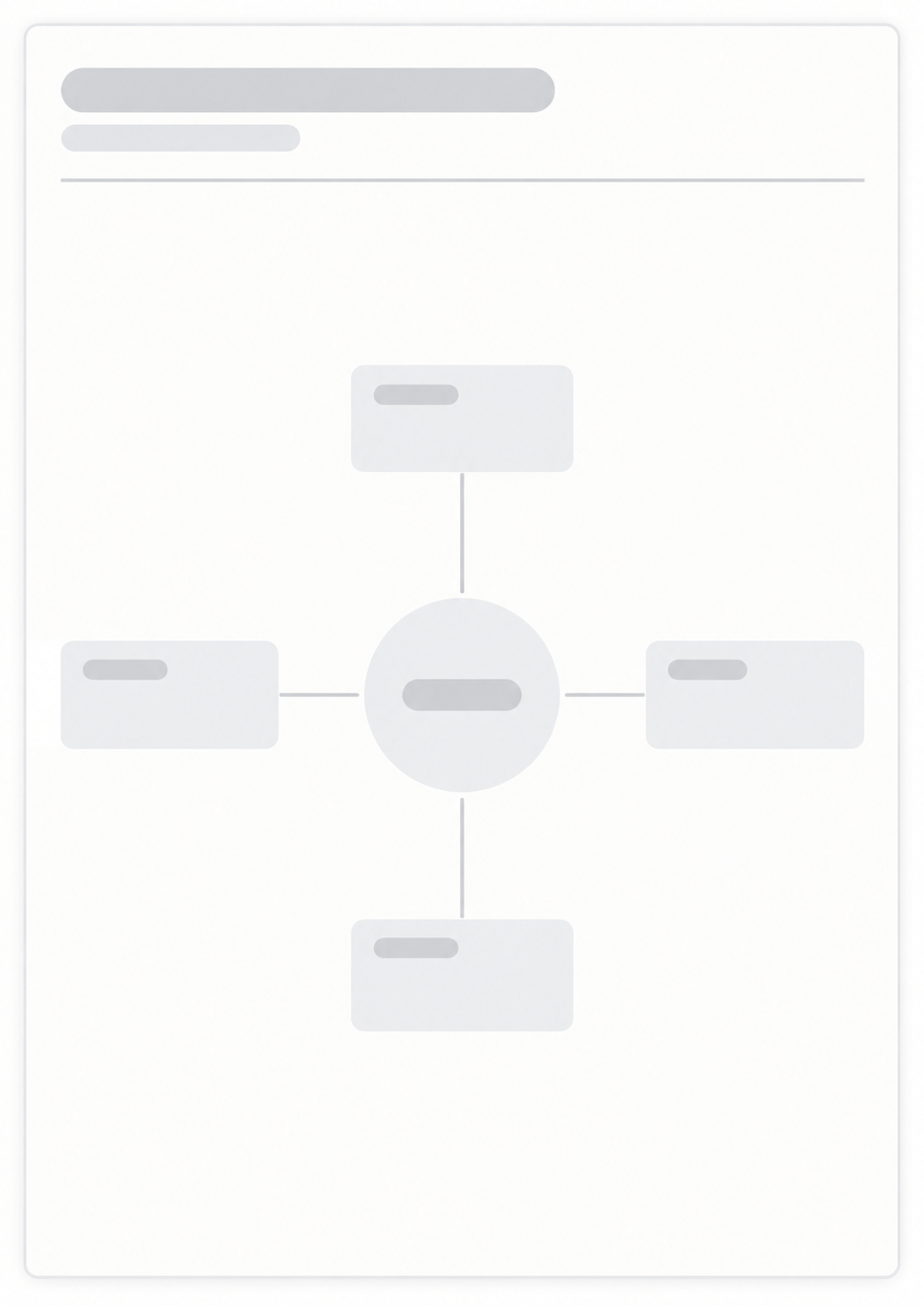
This page prints a mind map on one portrait sheet. You set a title, edit the central topic, and add child nodes. You can drag nodes, resize them, and change box color, text color, border color, and solid, dashed, or dotted borders. The page does not measure learning or memory. Print or save as PDF when the layout looks right.
How to Use
- 1Set the page title and edit the central topic.
- 2Use plus to add a branch, double-click to edit text, and drag to move a node.
- 3Select a node to change size, colors, and border style.
- 4Print or save as PDF when the layout looks right.
A central topic with branches you add and delete
Drag, resize, and edit node text in the browser
Box, text, and border colors, plus border style
Print or save the map as a PDF
Related generators
After you map the topic, these generators turn the branches into study rows, a yes-or-no list, or an hourly day.

Questions about the Mind Map?
Does this mind map save my nodes or need an account?
- No. Nothing you type is stored after you leave the page. Print or save as PDF if you want a paper copy of the map.
How do I add and edit nodes?
- Double-click a node to edit its text. Use the plus icon to add a child, drag to move it, and the delete icon to remove a node and its children.
Can I change colors and borders?
- Yes. Each node can have its own box, text, and border color, plus a solid, dashed, or dotted border.
What paper size should I use?
- Print or save as PDF when the layout looks right. Keep the print scale near 100% and turn off headers and footers so the URL does not print.
How is this different from a study planner?
- This page is a visual map of a topic. For timed study rows, use the Study Planner.