
Daily Planner Generator
Print a one-page daily planner with an hourly schedule, numbered priorities, a to-do list, and a notes box. Set the hour range and how many priority and to-do rows you need, then print or save as PDF.
Daily Planner
Friday, October 16
Schedule
Top Priorities
To Do List
Notes
What this generator prints
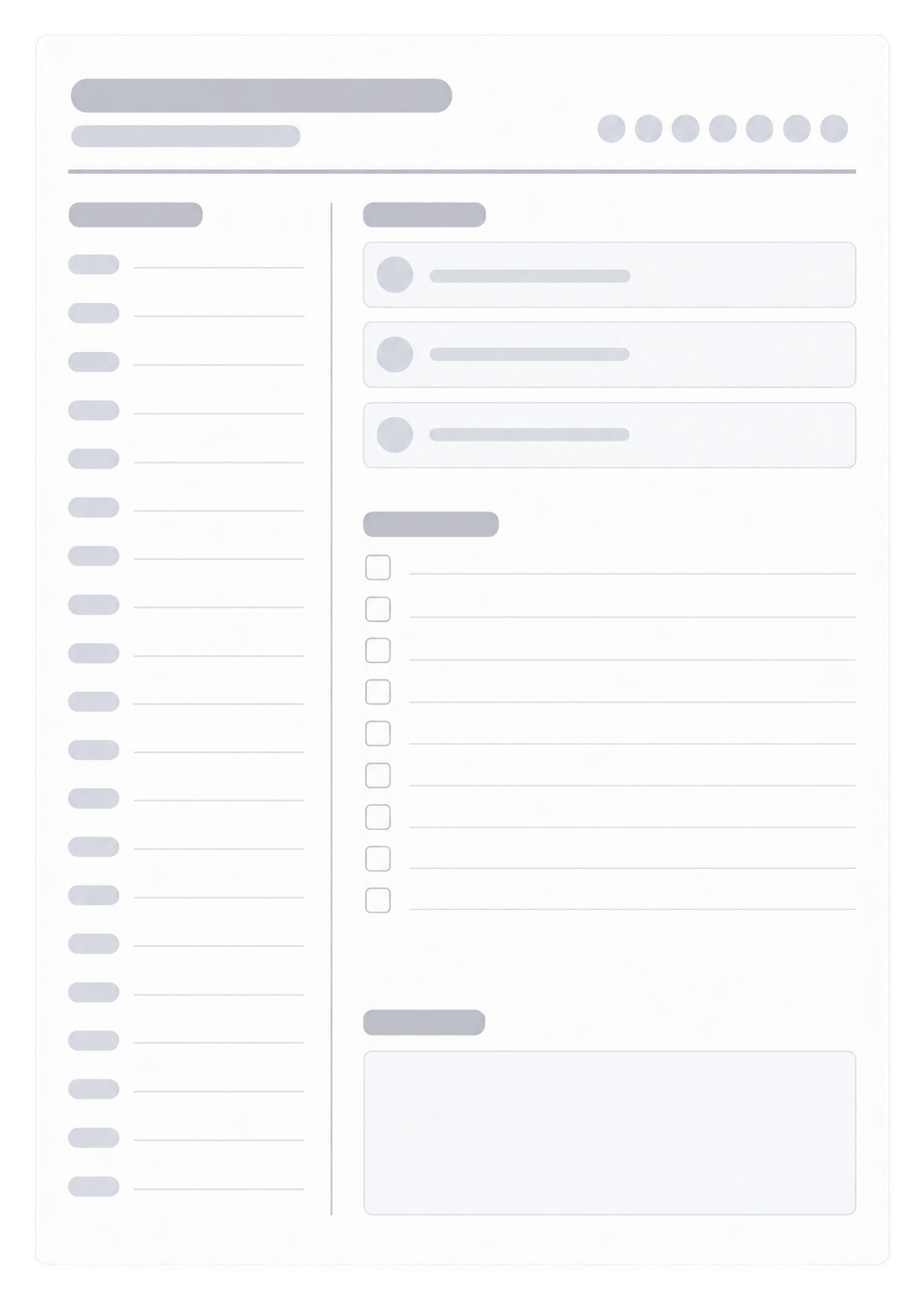
This page builds one daily planner sheet you can print or save as a PDF. The left column is an hourly schedule between the start and end times you set. The right side has numbered Top Priorities, a checkbox to-do list, and a notes box. A title and optional date sit at the top. The hour span can be up to 18 hours; a narrower range leaves more room in each slot. Fill the schedule, priorities, to-dos, and notes in the preview, or leave the fields blank and print to write by hand.
How to Use
- 1Enter a title and the date, such as Thursday, March 12.
- 2Set the start and end times for the schedule column.
- 3Choose how many priority rows (1–10) and to-do lines (1–10) you need.
- 4Fill the planner in the preview, or leave the fields blank and print to write by hand.
Hourly schedule on the left, from the start time to the end time you choose
Numbered Top Priorities — one to ten rows
Checkbox to-do list — one to ten lines
A notes box under the lists, plus a title and optional date at the top
Related generators
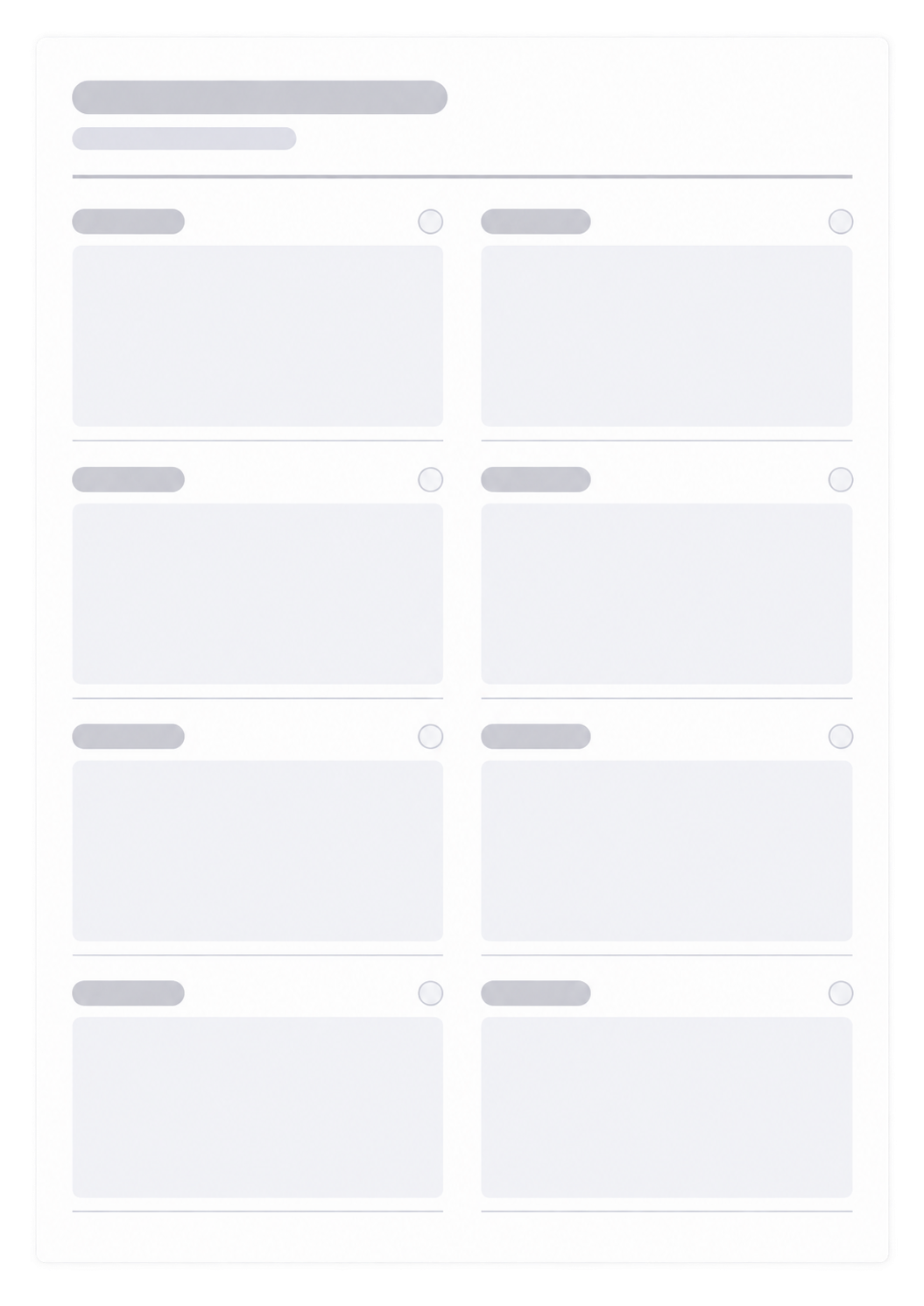
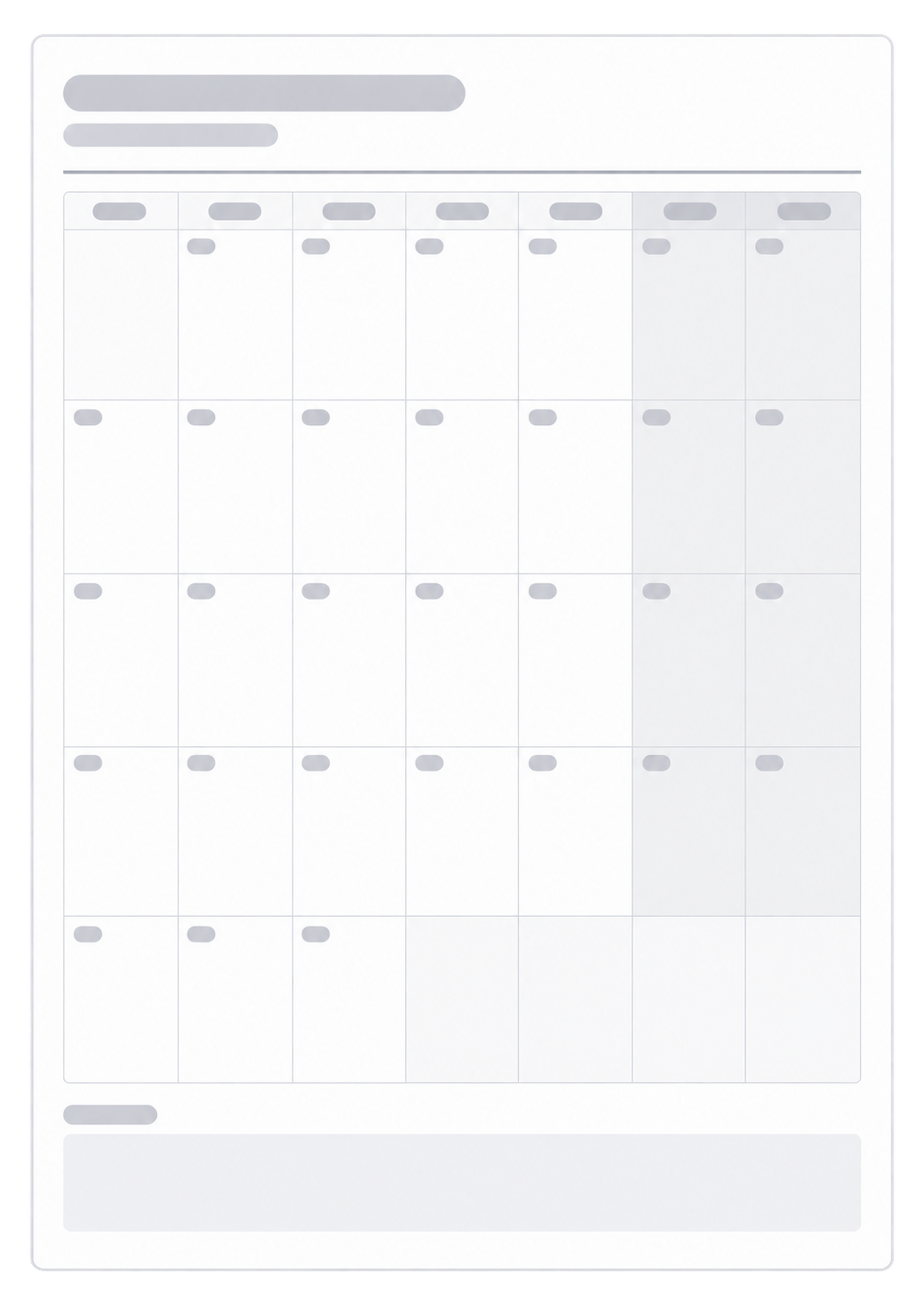
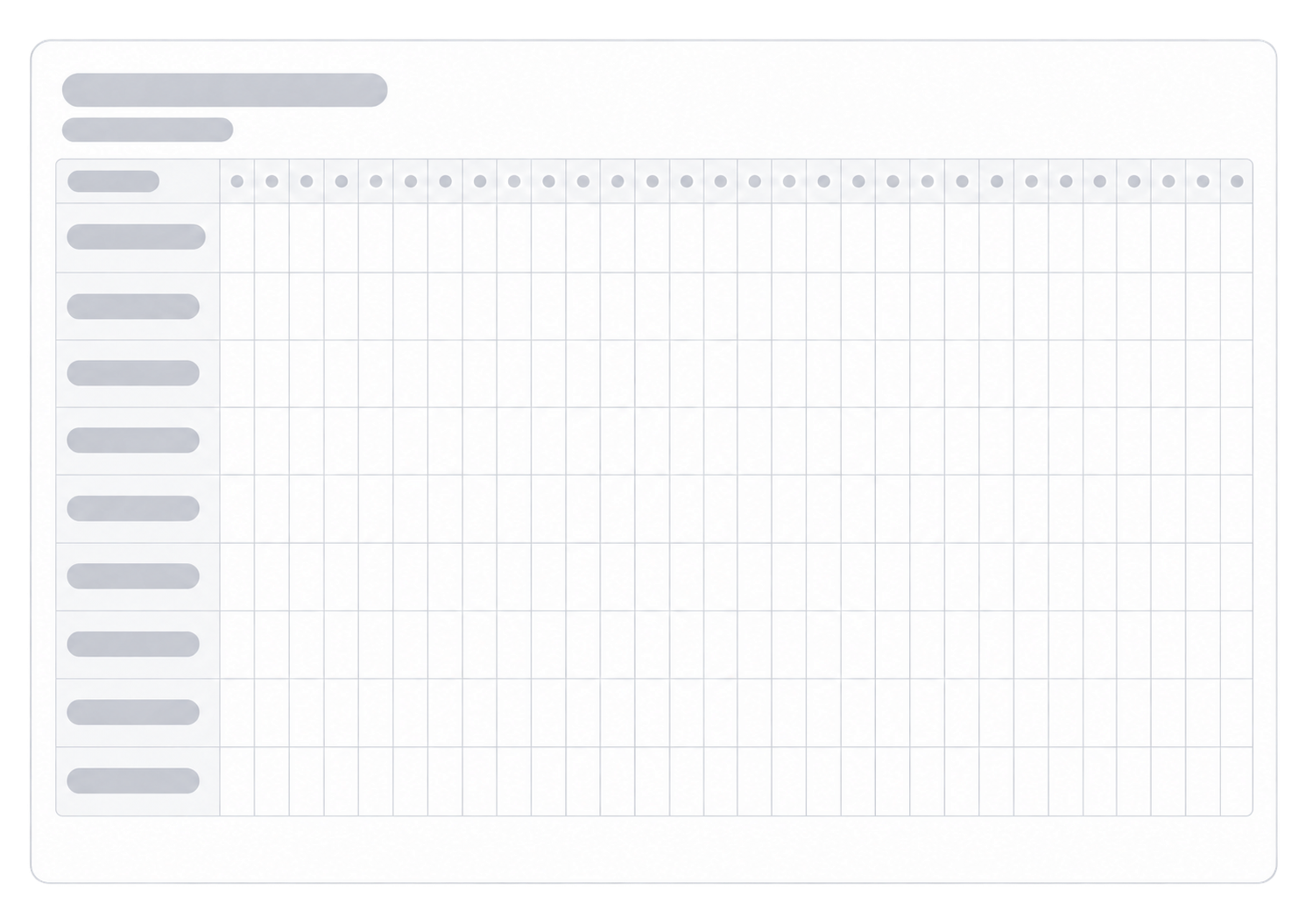
After you block the hours on paper, these generators cover the week around this day, the month it sits in, and the routines you mark on it.

Questions about the Daily Planner?
Does this daily planner save my day or need an account?
- No. Nothing you type is stored after you leave the page. Print or save as PDF; the paper or file is your record for that day.
How do the start and end times work?
- The left column lists one row for each hour from the start time to the end time you set. The span can be up to 18 hours. A shorter range leaves more room to write in each slot.
How many priorities and to-do rows can I add?
- Choose one to ten numbered Top Priorities and one to ten checkbox to-do lines. Use fewer rows if you want more writing space on the page.
What paper size and orientation should I use?
- This planner prints as one portrait A4 page. Keep the print scale at 100% and turn off headers and footers so the URL does not print.
How is this different from a weekly planner?
- This page is one day with an hourly schedule. For seven days on one sheet, use the Weekly Planner.