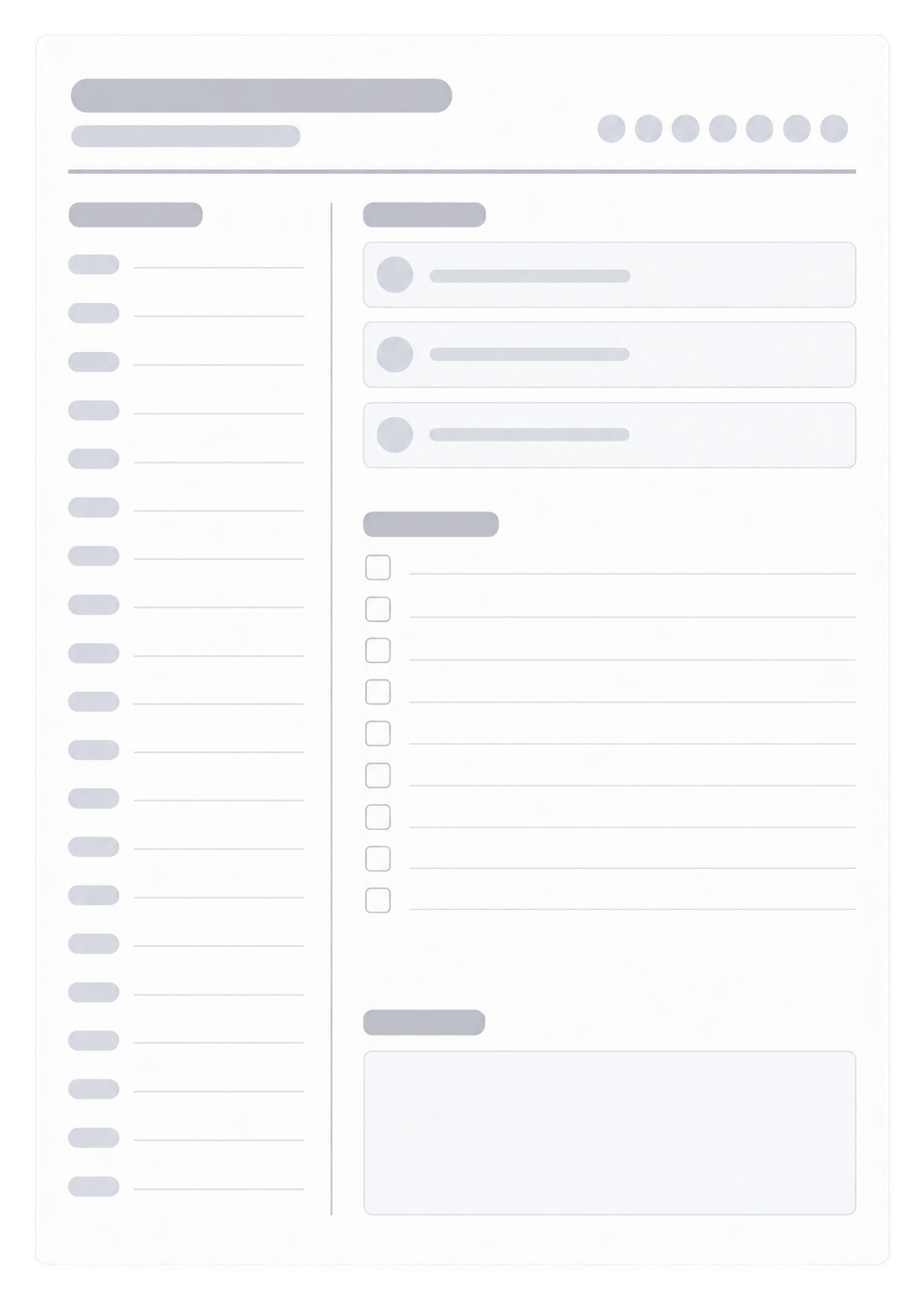
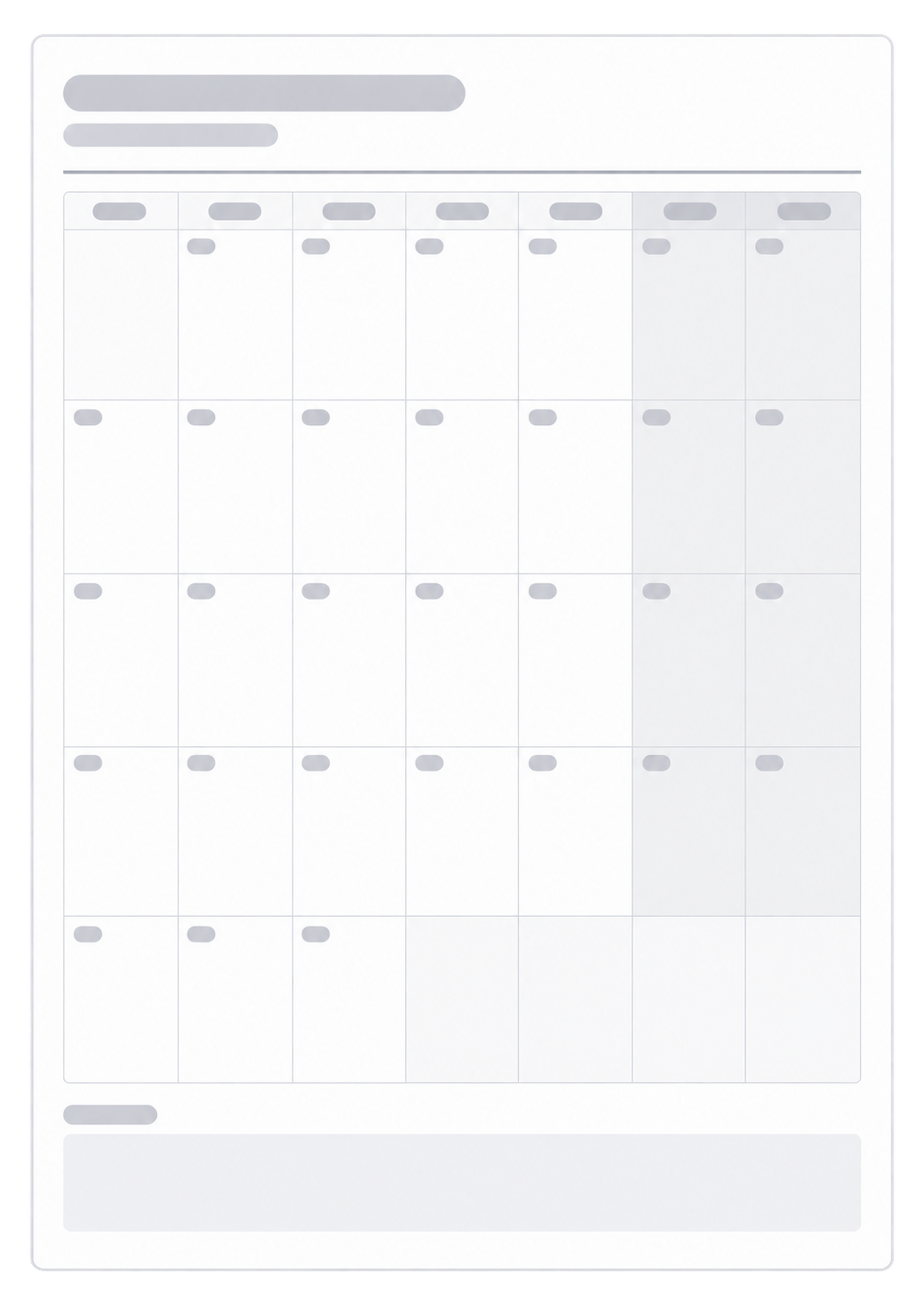
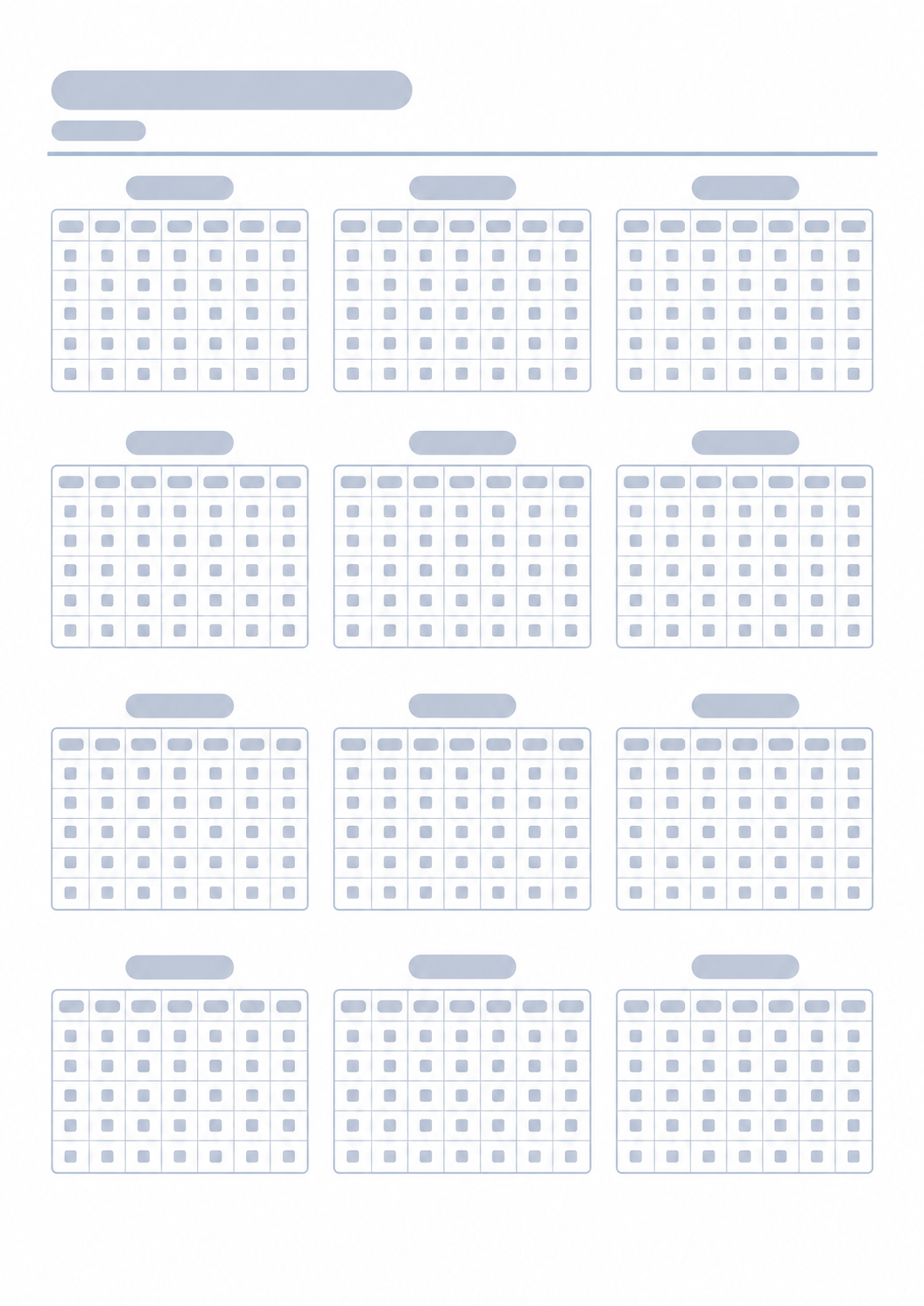
Simple weekly layout
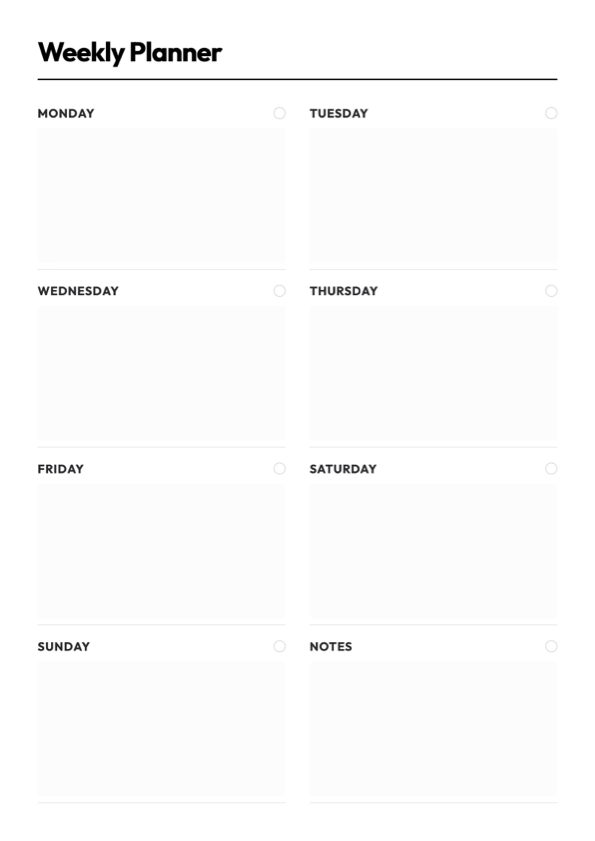

Print a one-page weekly planner with seven day cards, an optional notes area, and morning, afternoon, or evening bands. Type in the preview or print a blank sheet to fill by hand. Choose the week start and page orientation, then print or save as PDF.
October 12 - October 18
Preview each style, then choose Use this template to load it in the generator above. Adjust the title, week, day periods, and notes—then print or save as PDF when you are ready.
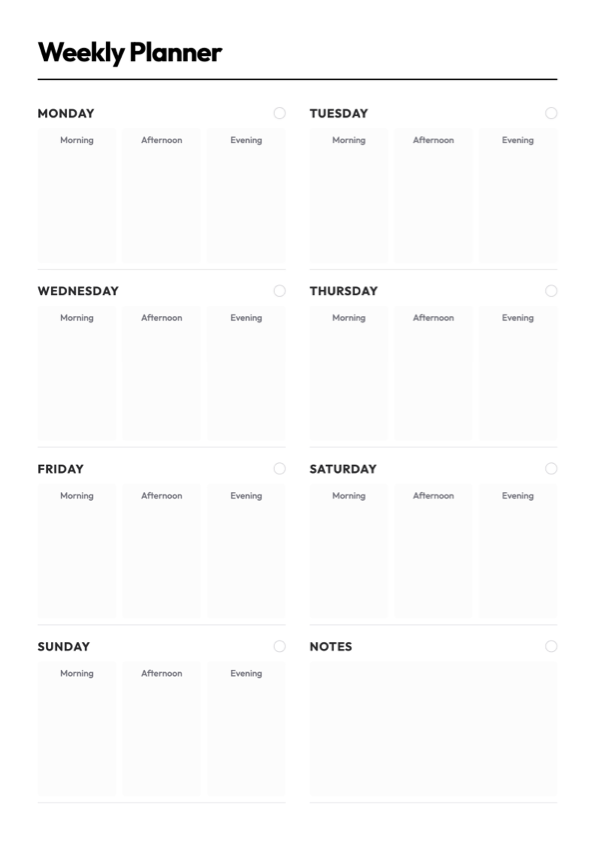
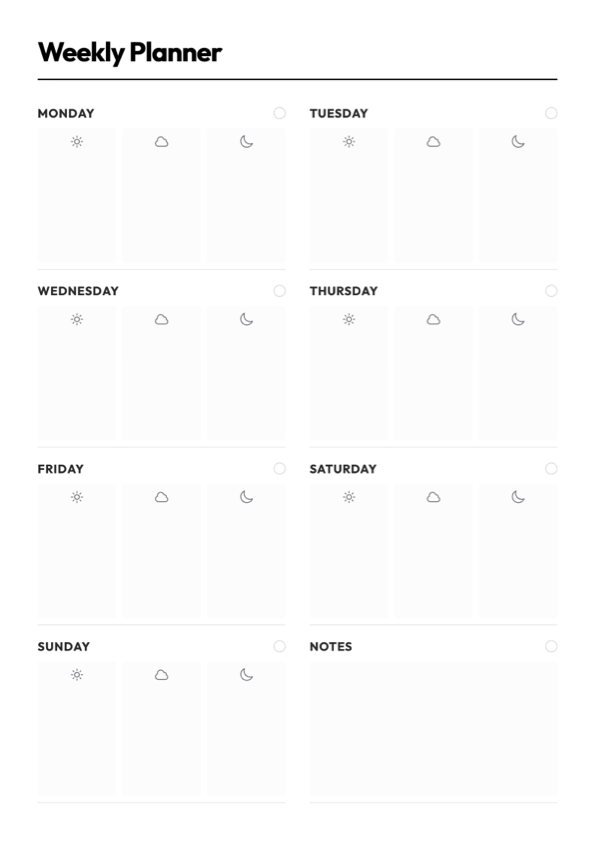
This page builds one weekly planner sheet you can print or save as a PDF. You get seven day cards, an optional notes area, and a title plus week range at the top. The days follow the weekday order you choose. Turn on day periods to split each day into Morning, Afternoon, and Evening; leave them off for a single open writing space. Portrait keeps taller day cards; landscape gives each day more width. Choose Fill here to type in the preview, or Blank sheet to print empty cards and write by hand.
Seven days on one A4 page, with a notes area if you want it
Week can start on any day from Monday through Sunday
Optional morning, afternoon, and evening bands, or one open writing space
Portrait or landscape is set before you print, so the day cards match the paper
After you sketch the week on paper, these generators cover the day, the month around it, and the year.