
Yearly Planner Generator
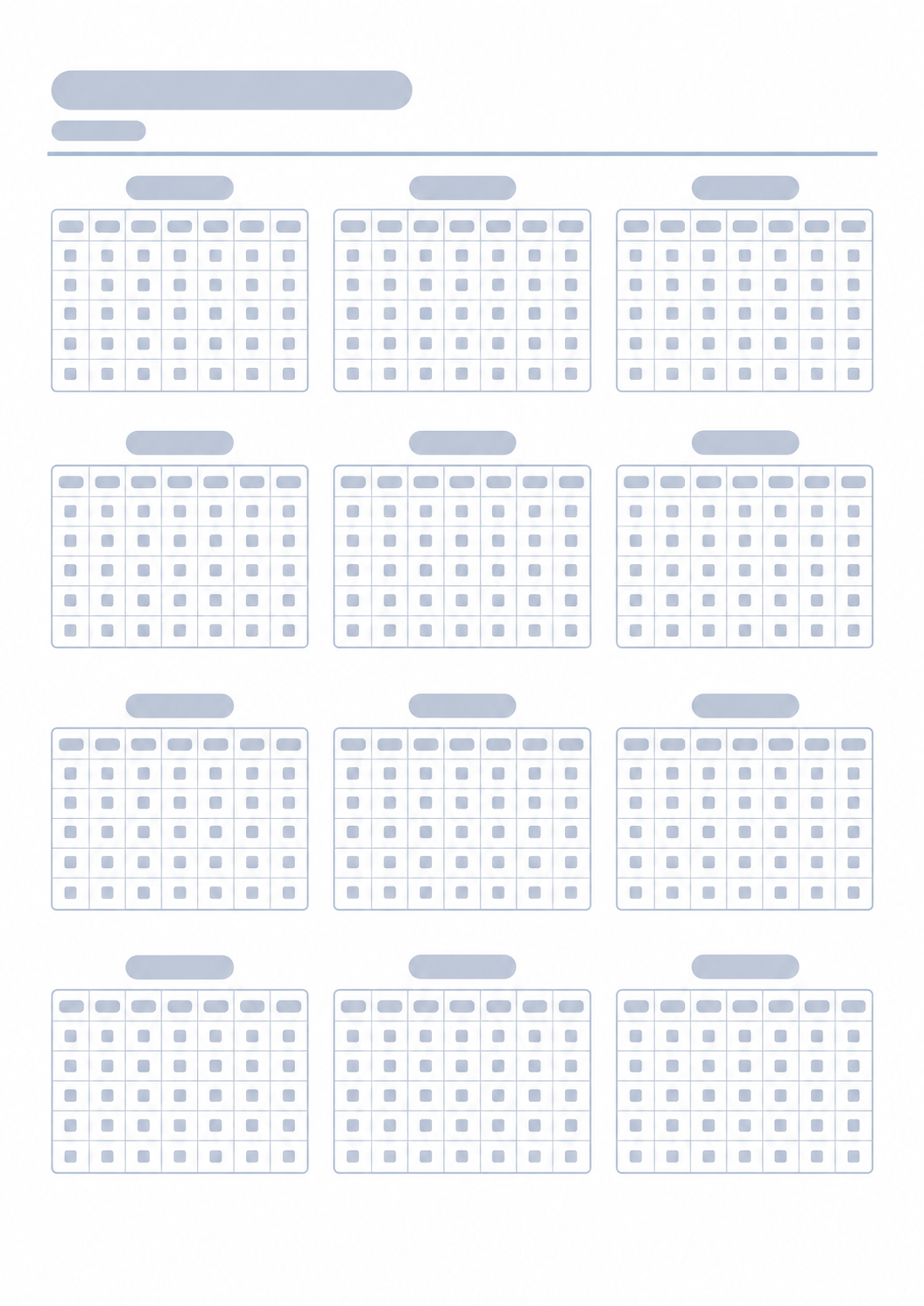
Printable twelve-month overview with mini calendars on a single page
Page orientation
Print Preview · Portrait
Yearly Planner
2026
January
Mon
Tue
Wed
Thu
Fri
Sat
Sun
1
2
3
4
5
6
7
8
9
10
11
12
13
14
15
16
17
18
19
20
21
22
23
24
25
26
27
28
29
30
31
February
Mon
Tue
Wed
Thu
Fri
Sat
Sun
1
2
3
4
5
6
7
8
9
10
11
12
13
14
15
16
17
18
19
20
21
22
23
24
25
26
27
28
March
Mon
Tue
Wed
Thu
Fri
Sat
Sun
1
2
3
4
5
6
7
8
9
10
11
12
13
14
15
16
17
18
19
20
21
22
23
24
25
26
27
28
29
30
31
April
Mon
Tue
Wed
Thu
Fri
Sat
Sun
1
2
3
4
5
6
7
8
9
10
11
12
13
14
15
16
17
18
19
20
21
22
23
24
25
26
27
28
29
30
May
Mon
Tue
Wed
Thu
Fri
Sat
Sun
1
2
3
4
5
6
7
8
9
10
11
12
13
14
15
16
17
18
19
20
21
22
23
24
25
26
27
28
29
30
31
June
Mon
Tue
Wed
Thu
Fri
Sat
Sun
1
2
3
4
5
6
7
8
9
10
11
12
13
14
15
16
17
18
19
20
21
22
23
24
25
26
27
28
29
30
July
Mon
Tue
Wed
Thu
Fri
Sat
Sun
1
2
3
4
5
6
7
8
9
10
11
12
13
14
15
16
17
18
19
20
21
22
23
24
25
26
27
28
29
30
31
August
Mon
Tue
Wed
Thu
Fri
Sat
Sun
1
2
3
4
5
6
7
8
9
10
11
12
13
14
15
16
17
18
19
20
21
22
23
24
25
26
27
28
29
30
31
September
Mon
Tue
Wed
Thu
Fri
Sat
Sun
1
2
3
4
5
6
7
8
9
10
11
12
13
14
15
16
17
18
19
20
21
22
23
24
25
26
27
28
29
30
October
Mon
Tue
Wed
Thu
Fri
Sat
Sun
1
2
3
4
5
6
7
8
9
10
11
12
13
14
15
16
17
18
19
20
21
22
23
24
25
26
27
28
29
30
31
November
Mon
Tue
Wed
Thu
Fri
Sat
Sun
1
2
3
4
5
6
7
8
9
10
11
12
13
14
15
16
17
18
19
20
21
22
23
24
25
26
27
28
29
30
December
Mon
Tue
Wed
Thu
Fri
Sat
Sun
1
2
3
4
5
6
7
8
9
10
11
12
13
14
15
16
17
18
19
20
21
22
23
24
25
26
27
28
29
30
31
What this generator prints
A yearly planner puts every month of the year on one printable sheet. Each month is a small calendar grid—mark milestones, travel, birthdays, habits, launches, or deadlines at a glance.
How to Use
- 1Choose a title and the calendar year
- 2Pick the day week rows start from (Monday through Sunday)
- 3Switch portrait or landscape for a 3×4 versus 4×3 month arrangement
- 4Print or Save as PDF, then jot plans with pen or pencil
See the full year without paging through notebooks
Spot overloaded seasons early and reserve buffer weeks
Keep recurring milestones and birthdays visible alongside daily tools
Print once on A4 and keep it on a desk, wall, or binder cover
Related generators
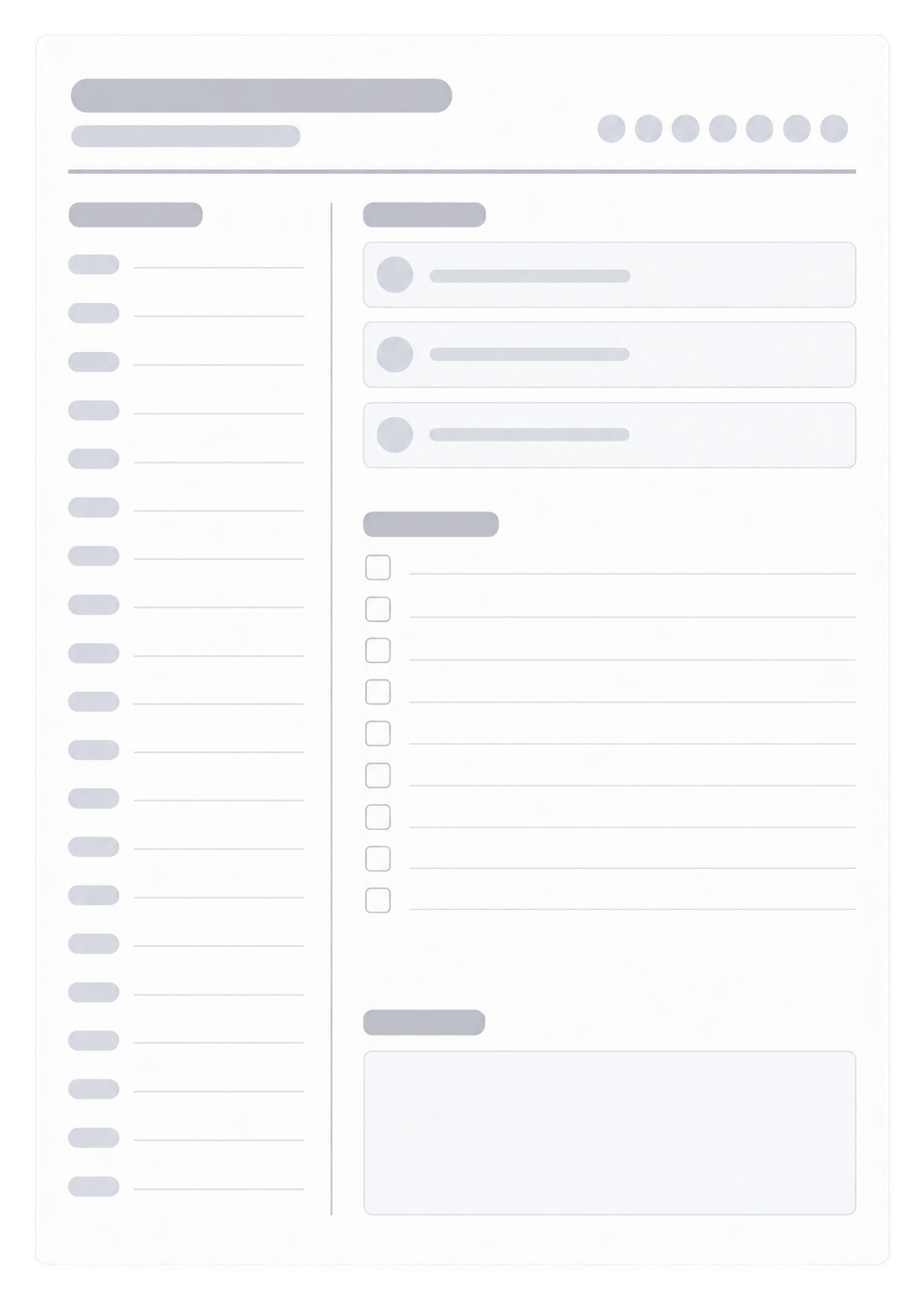
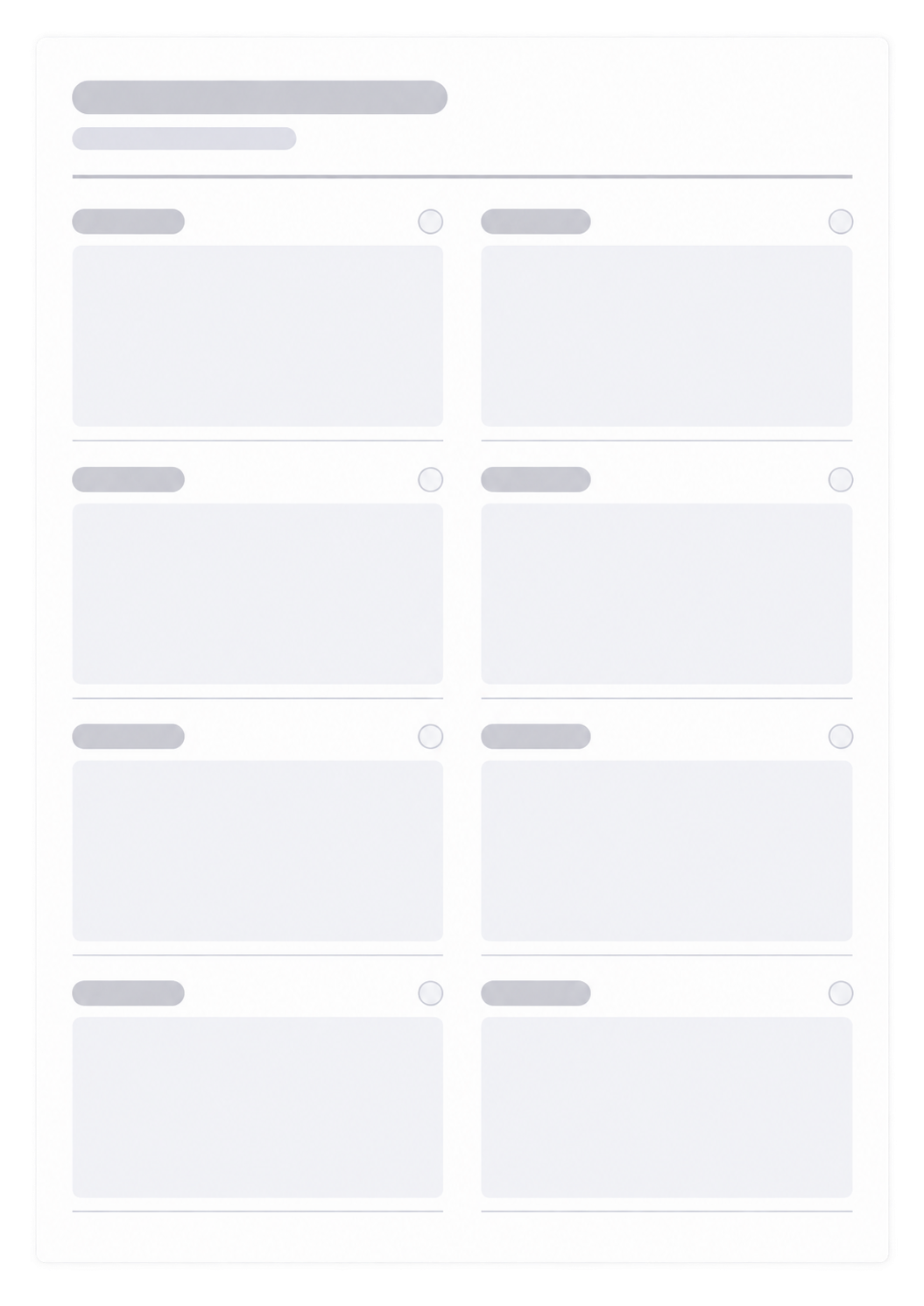
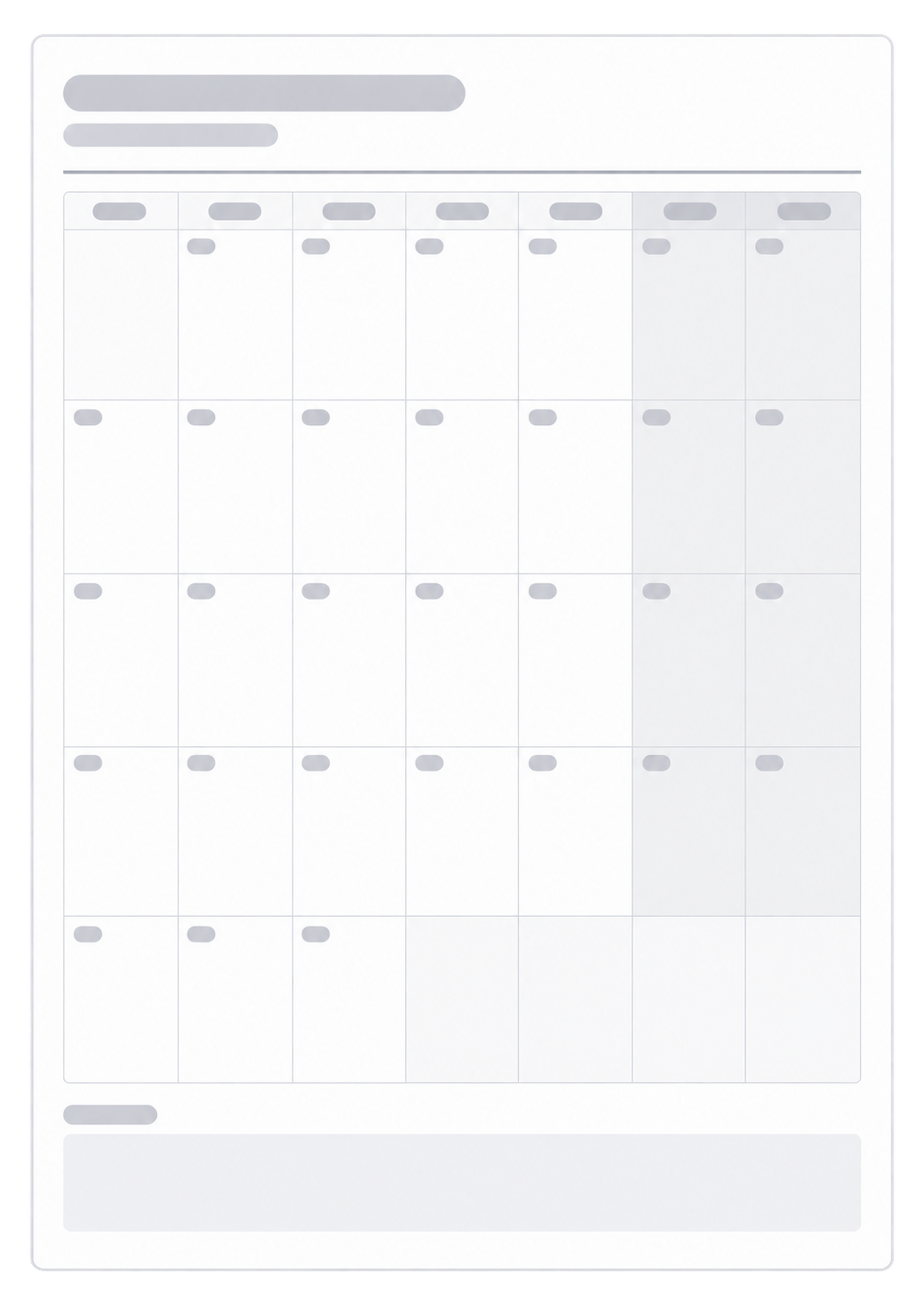
After you see the year on one sheet, these generators cover the day, the week, and a single month in more detail.

Questions about the Yearly Planner?
Does this yearly planner save my year or need an account?
- No. Nothing you type is stored after you leave the page. Print or save as PDF; the paper is the year overview you mark by hand.
Can the week start on any day?
- Yes. Choose Monday through Sunday as the first weekday in each mini month. All twelve months follow that start day.
Should I print portrait or landscape?
- Portrait is a 3×4 month grid. Landscape is 4×3. Match the print dialog to the control you chose.
What paper size should I use?
- One A4 page. Keep the print scale at 100% so the mini calendars stay readable, and turn off headers and footers.
How is this different from a monthly planner?
- This page is twelve small months. For a full-page dated grid you can write in, use the Monthly Planner.