
Monthly Planner Generator
Print a one-page monthly planner with a seven-day grid, writing space, optional notes, and weekend highlight. Choose portrait or landscape, then save as PDF.
40 characters max
Monthly Planner
October 2026
What this generator prints
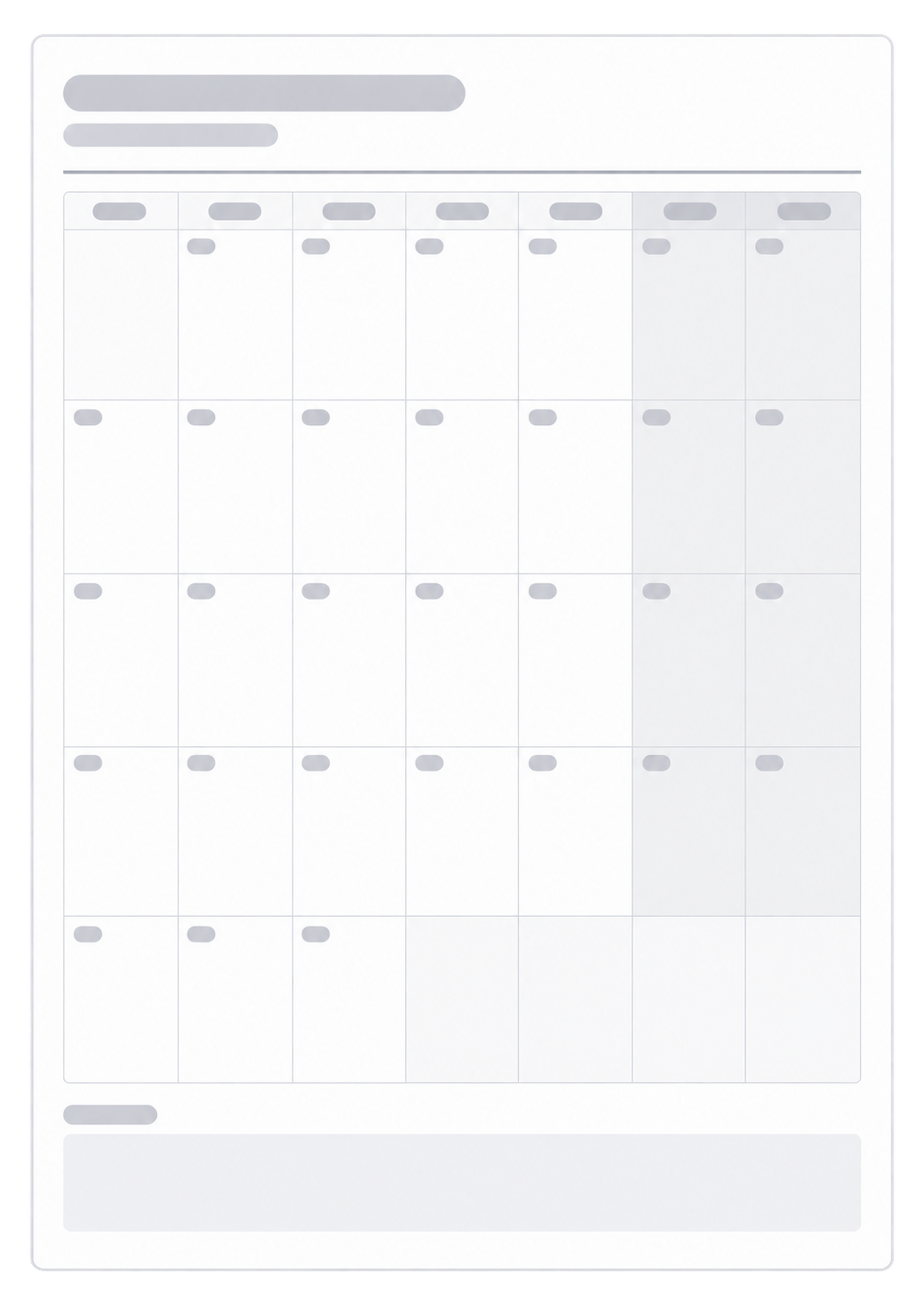
This page builds one monthly planner sheet you can print or save as a PDF. You pick a month and a year. The sheet shows that month as a classic seven-day calendar, with a title at the top and the month and year under it. Each dated cell has writing space for appointments, deadlines, travel days, or tasks. Type them in the preview, or leave the cells blank and write by hand after you print. Days that fall outside the month stay blank so the dates line up under the weekday headers. Turn on notes for a writing band below the grid; leave it off if you only want the calendar. Highlight weekends if you want Saturday and Sunday tinted. Portrait makes the day cells taller. Landscape gives each day more width. The page does not store events or keep a digital calendar.
How to Use
- 1Choose the month and year you want on the page.
- 2Choose which weekday starts the first column.
- 3Turn notes and weekend highlight on or off, then pick portrait or landscape.
- 4Fill the dates in the preview, or leave the cells blank and print to write by hand.
A dated cell for each day in the month you select
Empty writing space in every date box
Optional notes band and weekend highlight
Portrait or landscape on a single A4 page
Classic monthly planner or Voronoi layout?
Choose this Monthly Planner when you need dated boxes for appointments, deadlines, and tasks you type in the preview or write by hand. Choose the Voronoi Monthly Planner when you want organic cells for a visual habit or progress sheet. Both print one month on one A4 page. Neither one stores marks or tracks a streak. They are different layouts for different jobs, not two skins of the same tracker.
Related generators
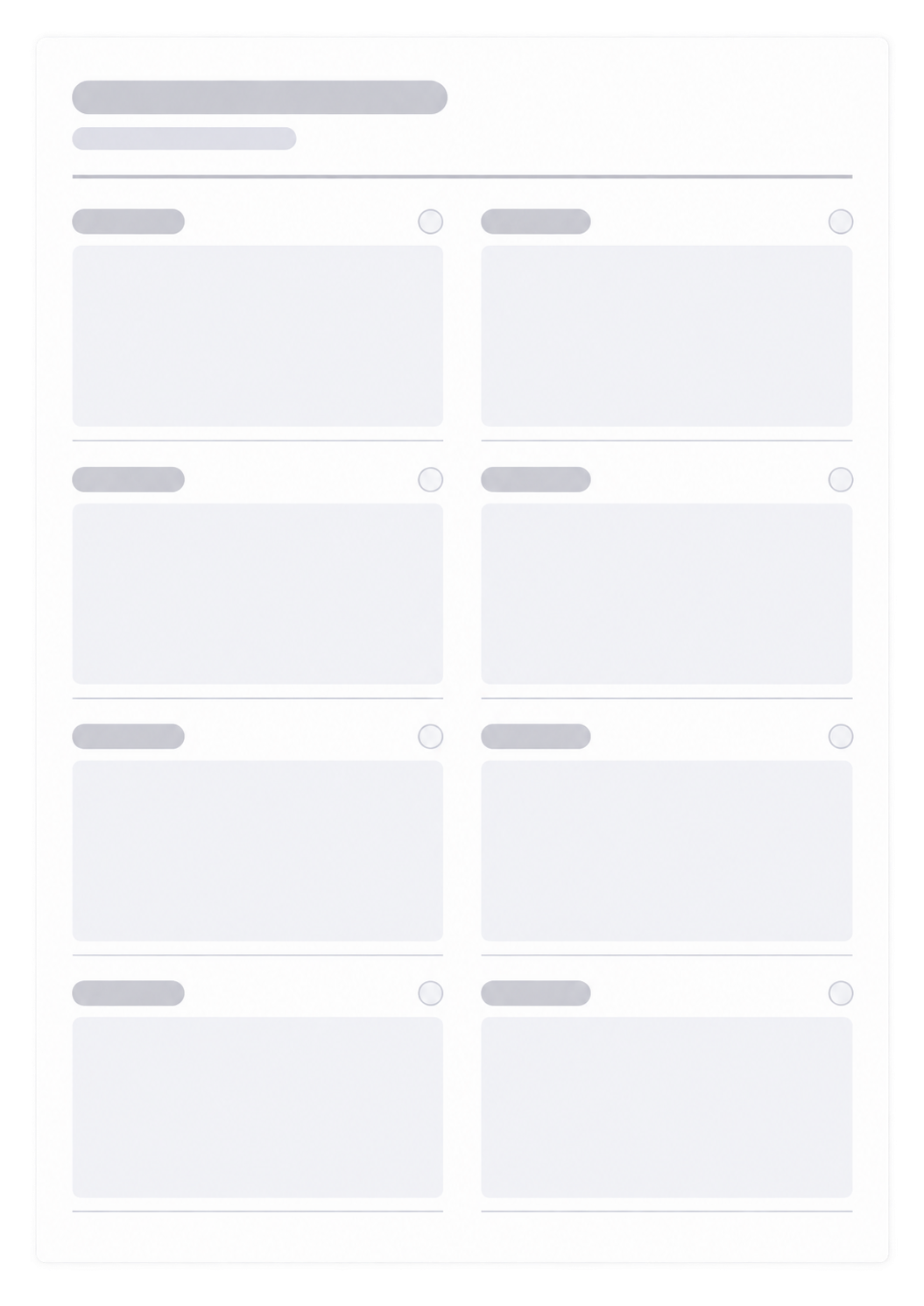
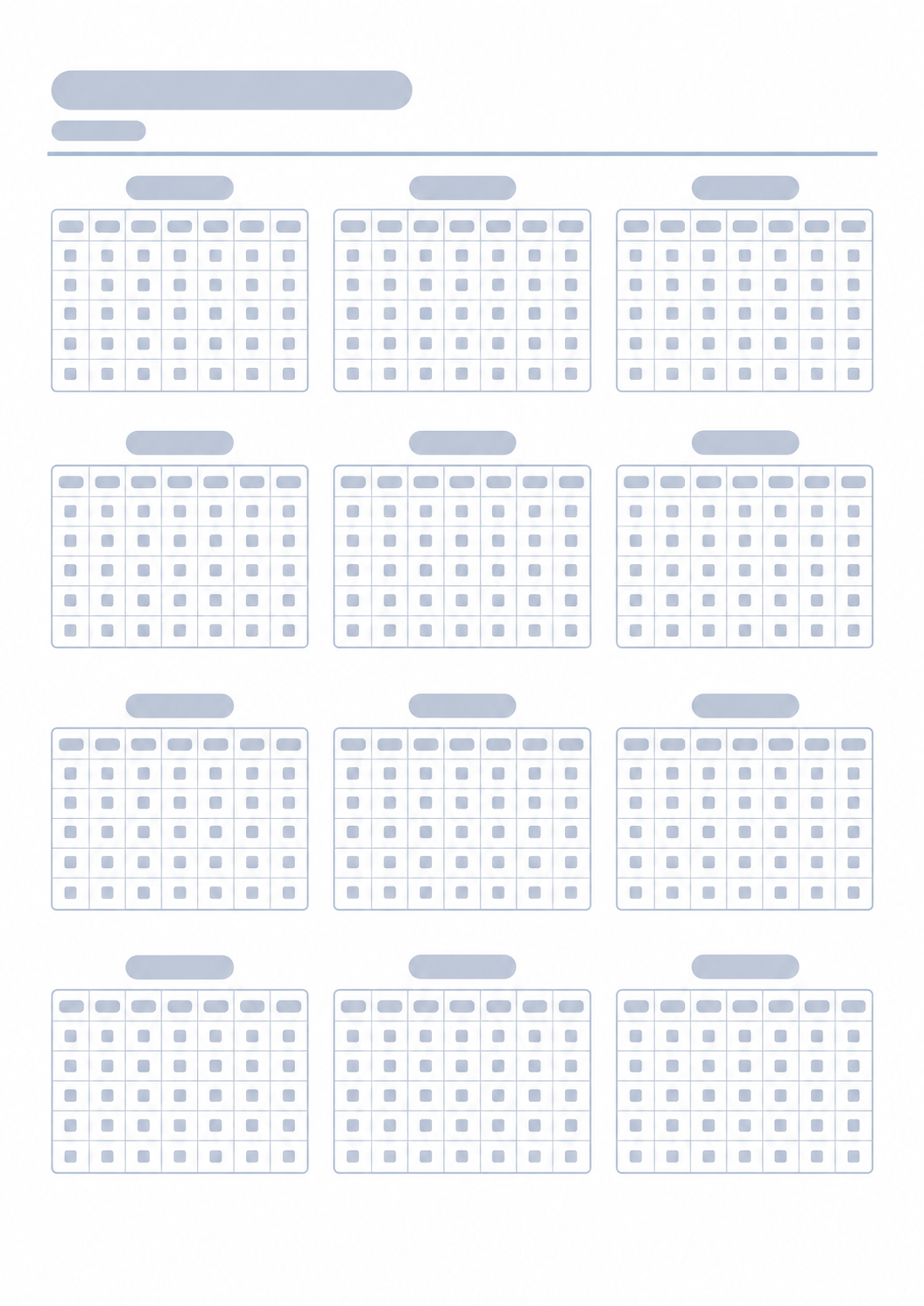
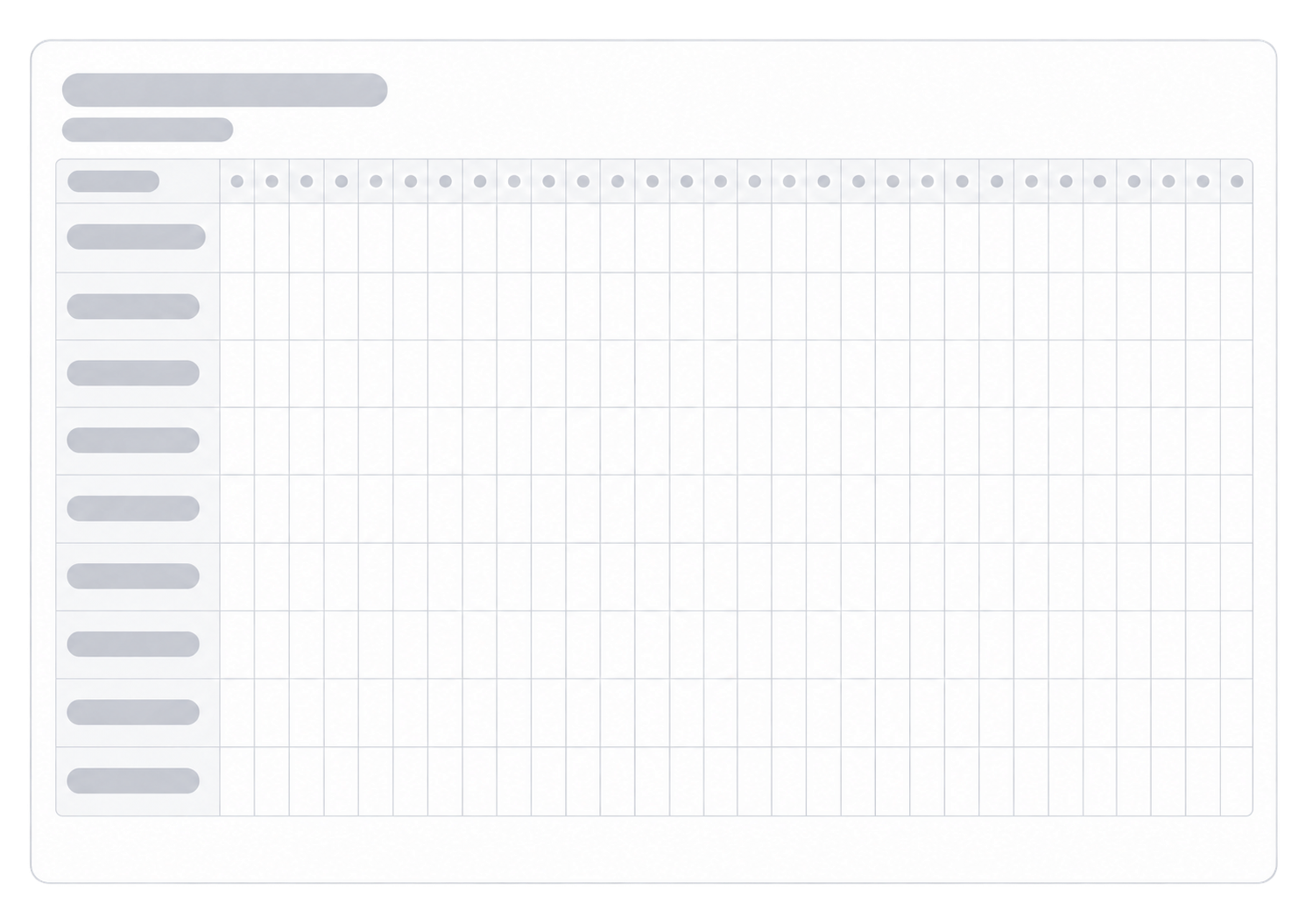
After you print the month, these generators cover the week inside it, the year around it, a more visual monthly layout, and a habit grid for daily routines.


Questions about the Monthly Planner?
Does this monthly planner save my dates or need an account?
- No. Nothing you type is stored after you leave the page. Print or save as PDF; the paper is the calendar you write on.
How do the weekday columns work?
- Choose which weekday starts the first column. Days outside the month stay blank so the dates line up under the headers.
What do notes and weekend highlight do?
- Notes add a writing band below the grid. Weekend highlight tints Saturday and Sunday. Turn either off if you only want the calendar.
Should I print portrait or landscape?
- Portrait makes the day cells taller. Landscape gives each day more width. Match the print dialog to the control you chose and keep the scale at 100%.
How is this different from a weekly planner?
- This page is one dated month. For seven day columns with more writing space, use the Weekly Planner.