
Habit Tracker
Choose a title, month, year, and how many habits you want on the page. In Fill here, type habit names in the preview. Choose Blank sheet to print empty rows and write names by hand. Daily marks stay empty so you tick them after you print.
40 characters max
Habit Tracker
October 2026
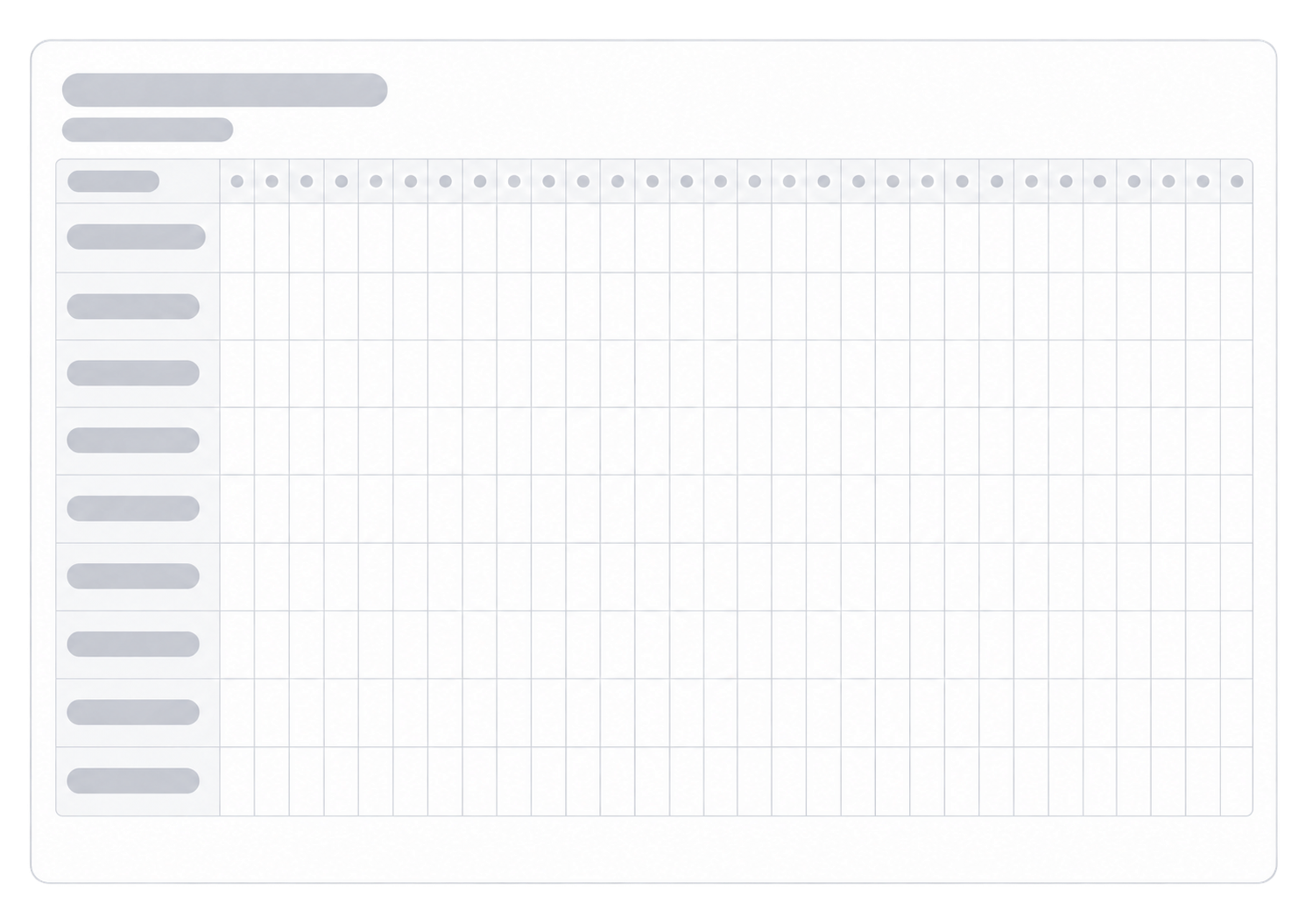
| Habit | 1 | 2 | 3 | 4 | 5 | 6 | 7 | 8 | 9 | 10 | 11 | 12 | 13 | 14 | 15 | 16 | 17 | 18 | 19 | 20 | 21 | 22 | 23 | 24 | 25 | 26 | 27 | 28 | 29 | 30 | 31 |
|---|---|---|---|---|---|---|---|---|---|---|---|---|---|---|---|---|---|---|---|---|---|---|---|---|---|---|---|---|---|---|---|
Type | |||||||||||||||||||||||||||||||
Type | |||||||||||||||||||||||||||||||
Type | |||||||||||||||||||||||||||||||
Type | |||||||||||||||||||||||||||||||
Type | |||||||||||||||||||||||||||||||
Type | |||||||||||||||||||||||||||||||
Type | |||||||||||||||||||||||||||||||
Type | |||||||||||||||||||||||||||||||
Type | |||||||||||||||||||||||||||||||
Type |
What This Habit Tracker Creates
This printable habit tracker is a blank monthly table, not a log that remembers what you marked. You pick the month and year so the grid shows 28, 29, 30, or 31 day columns. You also choose how many habit rows to print. In Fill here, type habit names in the preview. On a Blank sheet, write the names by hand after you print. Each day has an empty cell you can tick, shade, or leave blank on paper; those daily marks are not edited on the web. Save as PDF if you want another copy later. Nothing you write on paper is stored here.
How to Use
- 1Set the title, then pick the month and year for the grid.
- 2Choose how many habit rows you want on the page.
- 3Choose Fill here to type habit names in the preview, or Blank sheet for empty name cells.
- 4Check the preview, then print or save as PDF. Mark completed days by hand.
A day column for every date in the month you select
As many blank habit rows as you choose, from one to fifteen
Type habit names in Fill here, or leave name cells empty on a Blank sheet
One landscape page you can print or save as PDF
Habit Tracker or Specialized Tracker?
Use this Habit Tracker when several different routines belong on the same monthly grid. Use the Water Intake Tracker when the page should focus on daily water amounts. Use the Mood Tracker when you want space for a daily mood note. Use the Voronoi Monthly Planner when you prefer organic cells and a looser monthly mark-up instead of a habit-by-day table. Each tool prints a different sheet for a different job.
Related generators
These four pages sit next to a monthly habit grid: a day plan, a water sheet, a mood log, and a more visual month.
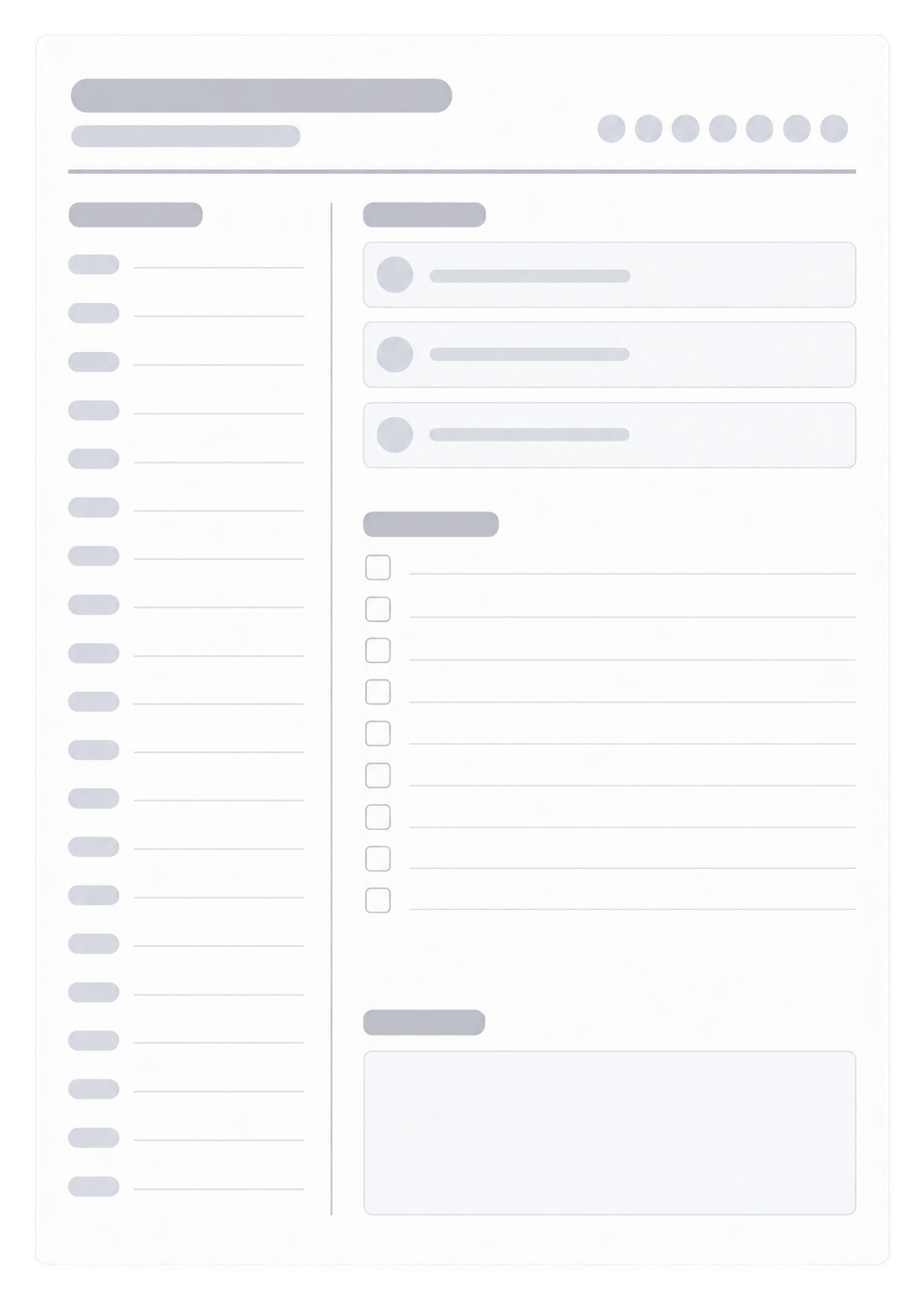
Daily Planner
Hour blocks and a to-do list for one day, not a month of habit marks
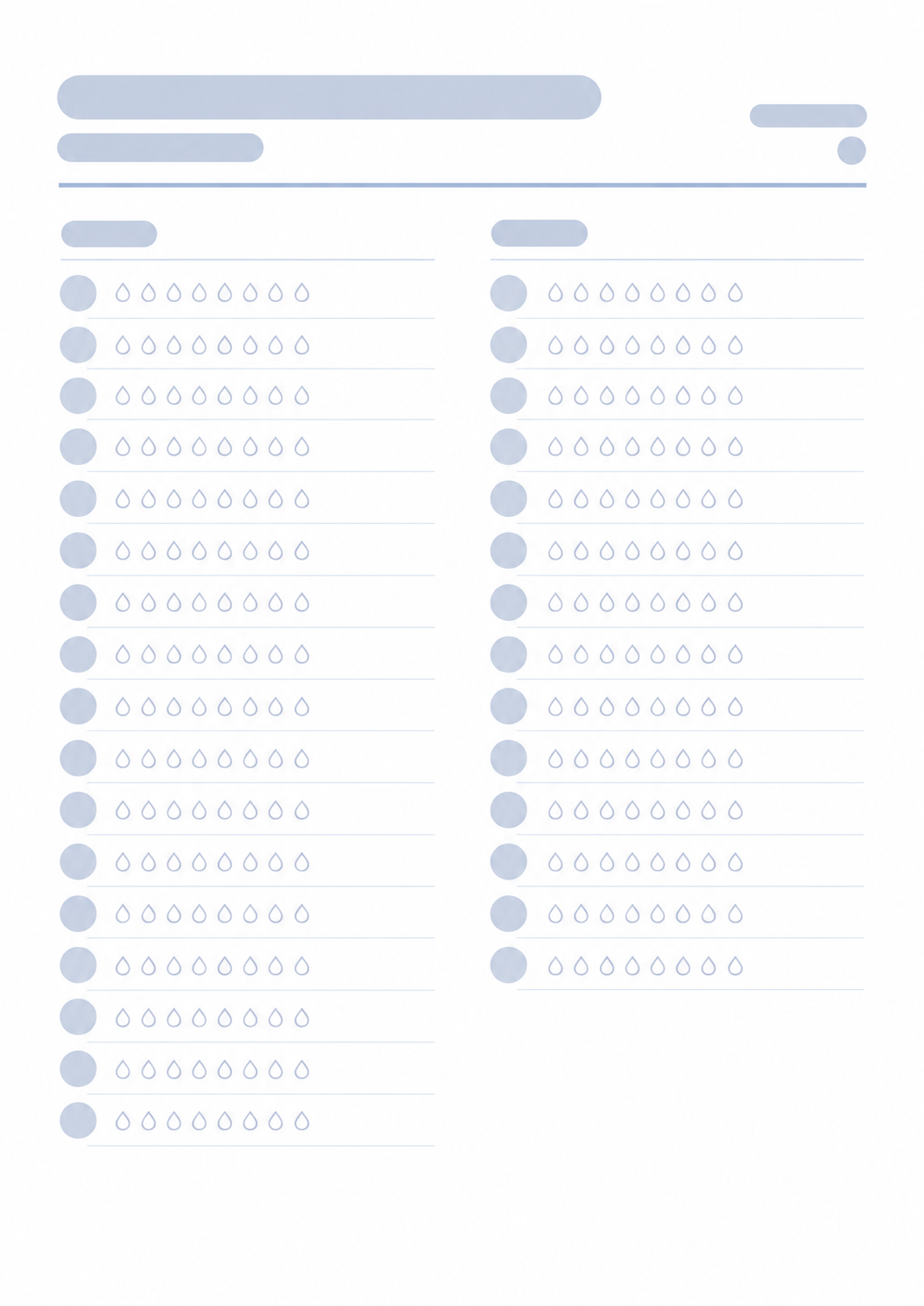
Water Intake Tracker
A sheet for daily water amounts, not mixed routines on one grid
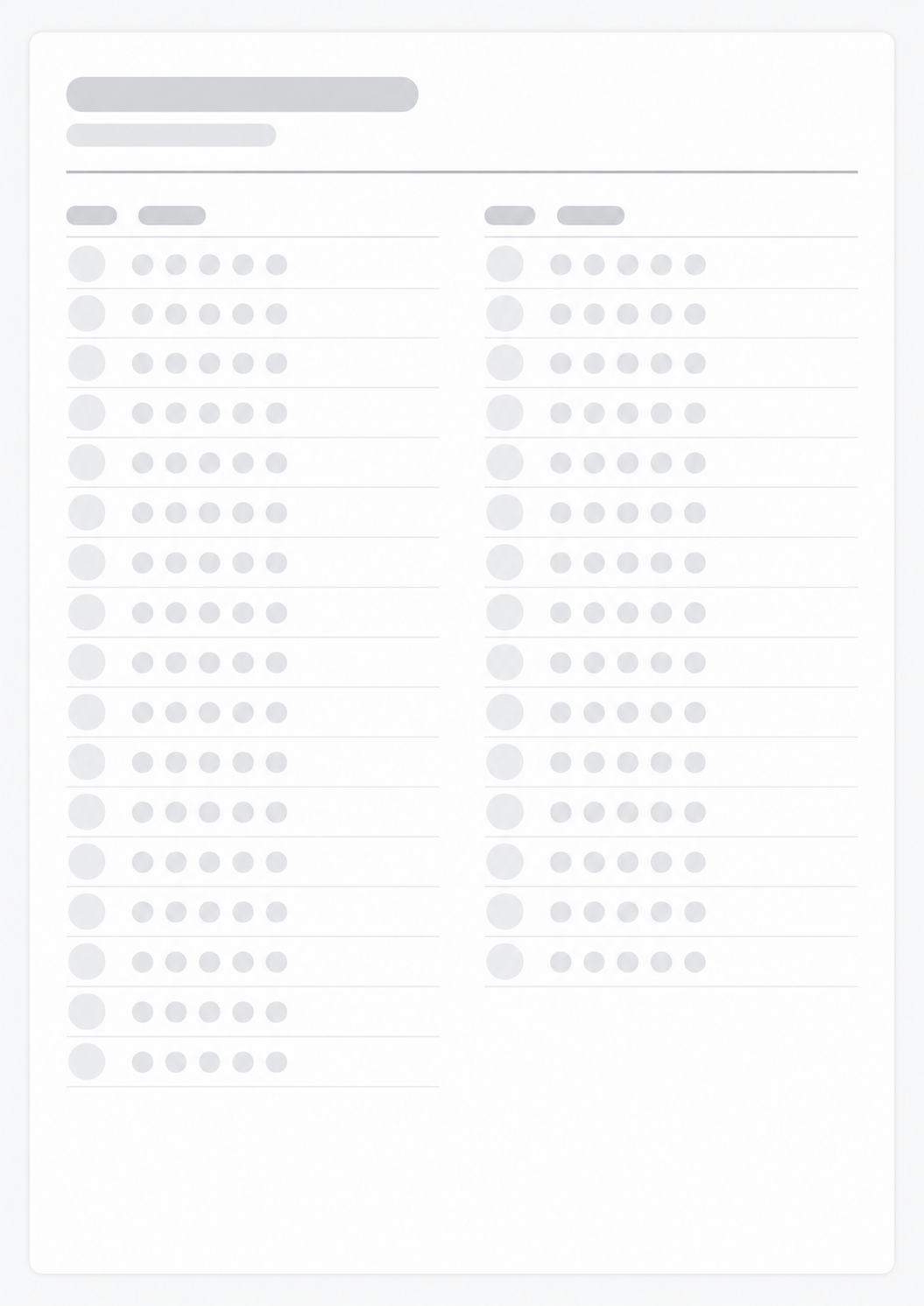
Mood Tracker
Space for a daily mood note instead of habit names and ticks
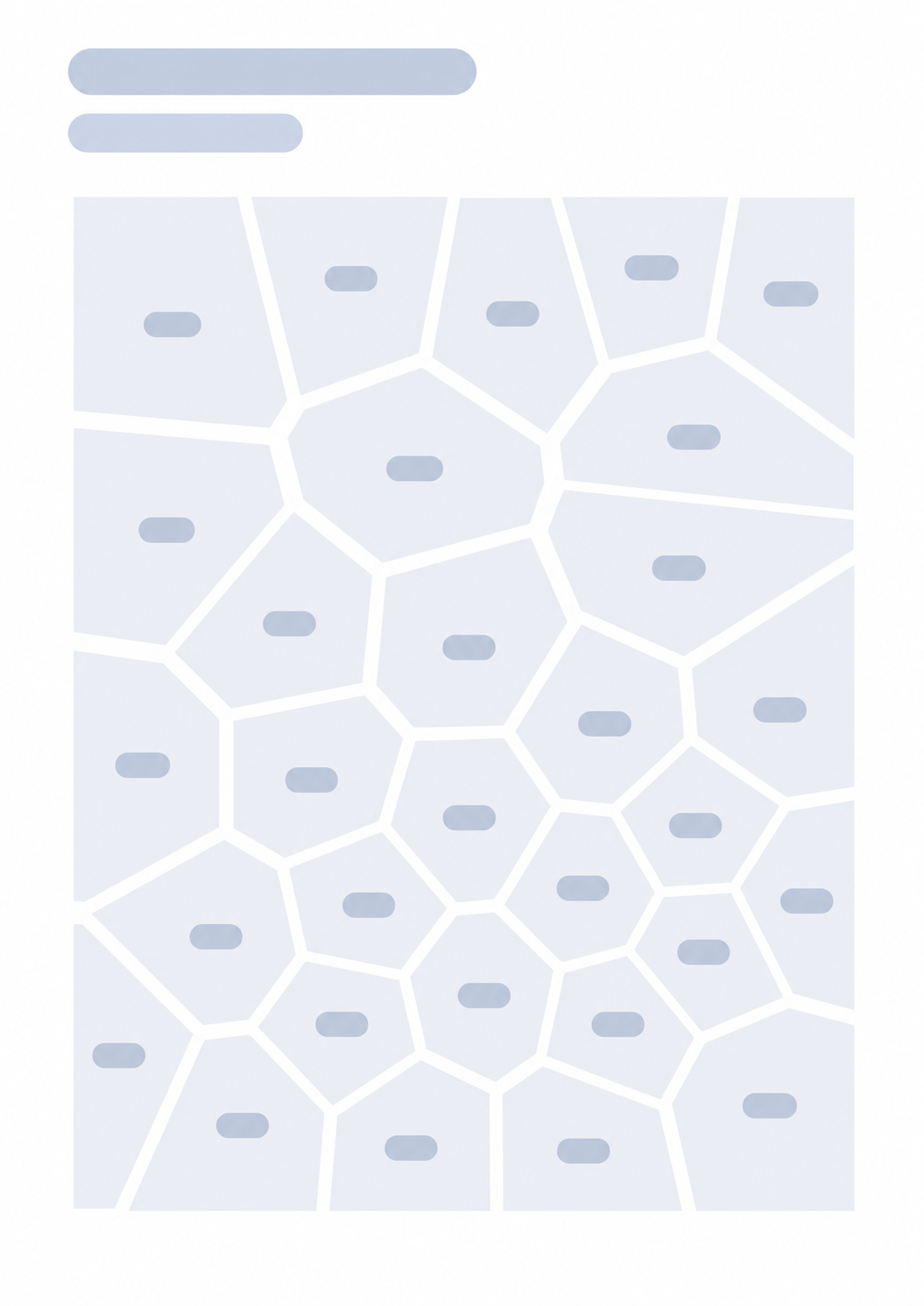
Voronoi Monthly Planner
Organic cells for a freer monthly mark-up, not habit rows by day

FAQ
Can I track any type of habit?
- Yes. The rows start blank. Type a name in Fill here, or write it after you print a Blank sheet. Then mark any routine that month — practice, chores, or a short evening reset.
Why does the number of days change between months?
- The grid uses the real length of the month you picked, including 29 days in February on a leap year and 30 days in April, June, September, and November.
Does the tracker save my progress?
- No. Nothing is stored after you leave the page. The printed sheet is the record. Mark days on paper, or print a fresh copy for the next month.
Can I reuse the same tracker every month?
- Print a new sheet for each month so the day columns match that month. Keep old pages if you want a paper history.
What paper size and orientation should I use?
- One landscape A4 or Letter page. Keep the print scale at 100% so the day columns stay readable.