
Water Intake Tracker Generator
Print a monthly water sheet. Pick the month and year, type a daily goal, then mark the printed drops by hand.
Print Preview · Portrait
Monthly Water Intake Tracker
October 2026
Daily Goal
8
Day
1
2
3
4
5
6
7
8
9
10
11
12
13
14
15
16
Day
17
18
19
20
21
22
23
24
25
26
27
28
29
30
31
What this generator prints
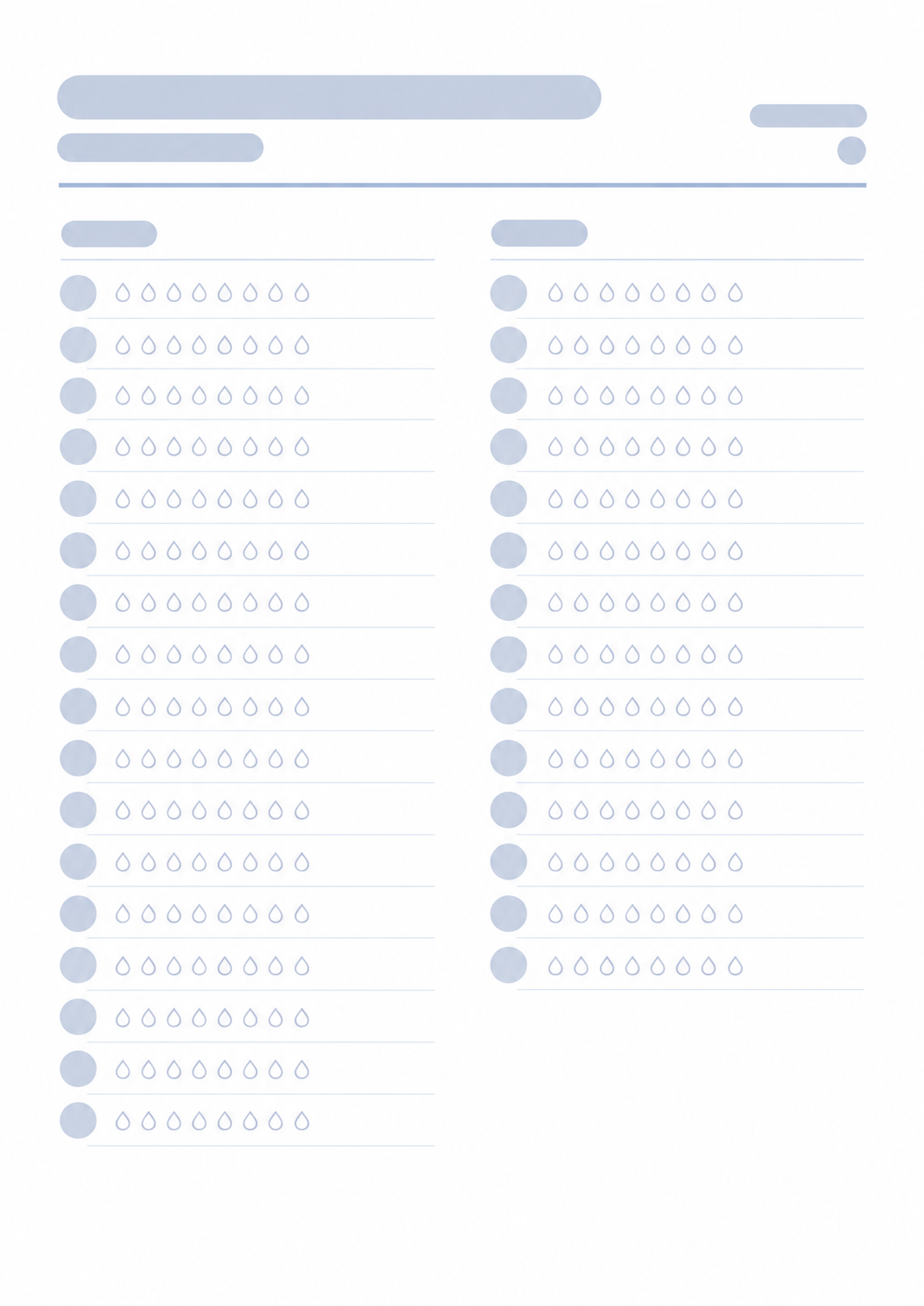
This page prints a one-month water sheet. You choose the month and year so the grid has the right number of days. The daily goal field sets the label and how many drop marks (1 to 12) appear on each day. The page does not calculate how much water you need. After you print, mark a drop when you drink.
How to Use
- 1Choose the month and year.
- 2Type a daily goal between 1 and 12. That number of marks prints on each day.
- 3Print or save as PDF.
- 4On paper, mark a drop when you drink.
Month and year you choose, with the matching number of days
A daily goal label you type, from 1 to 12 drop marks
Empty marks on each day to fill by hand
One portrait page to print or save as PDF
Related generators
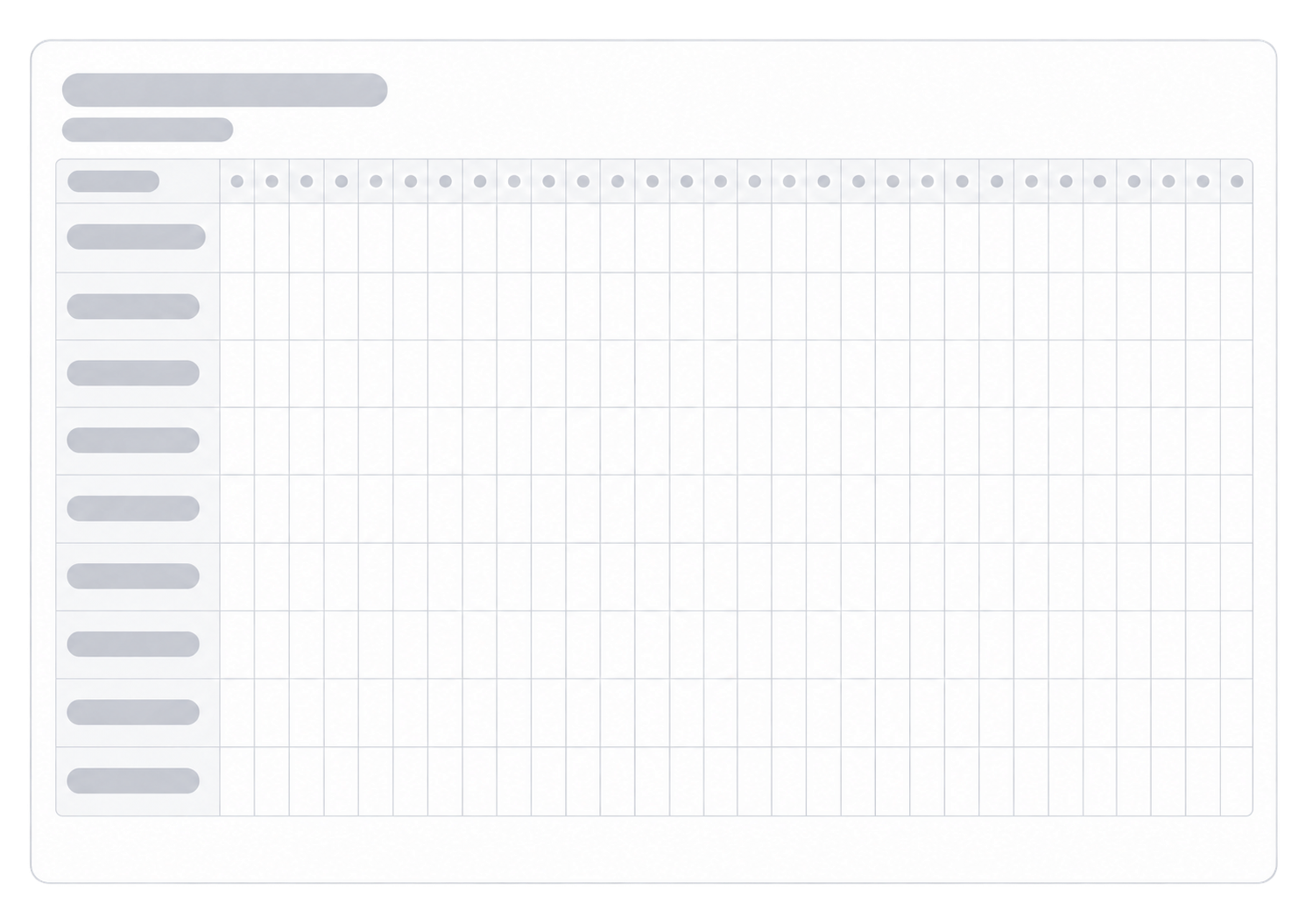
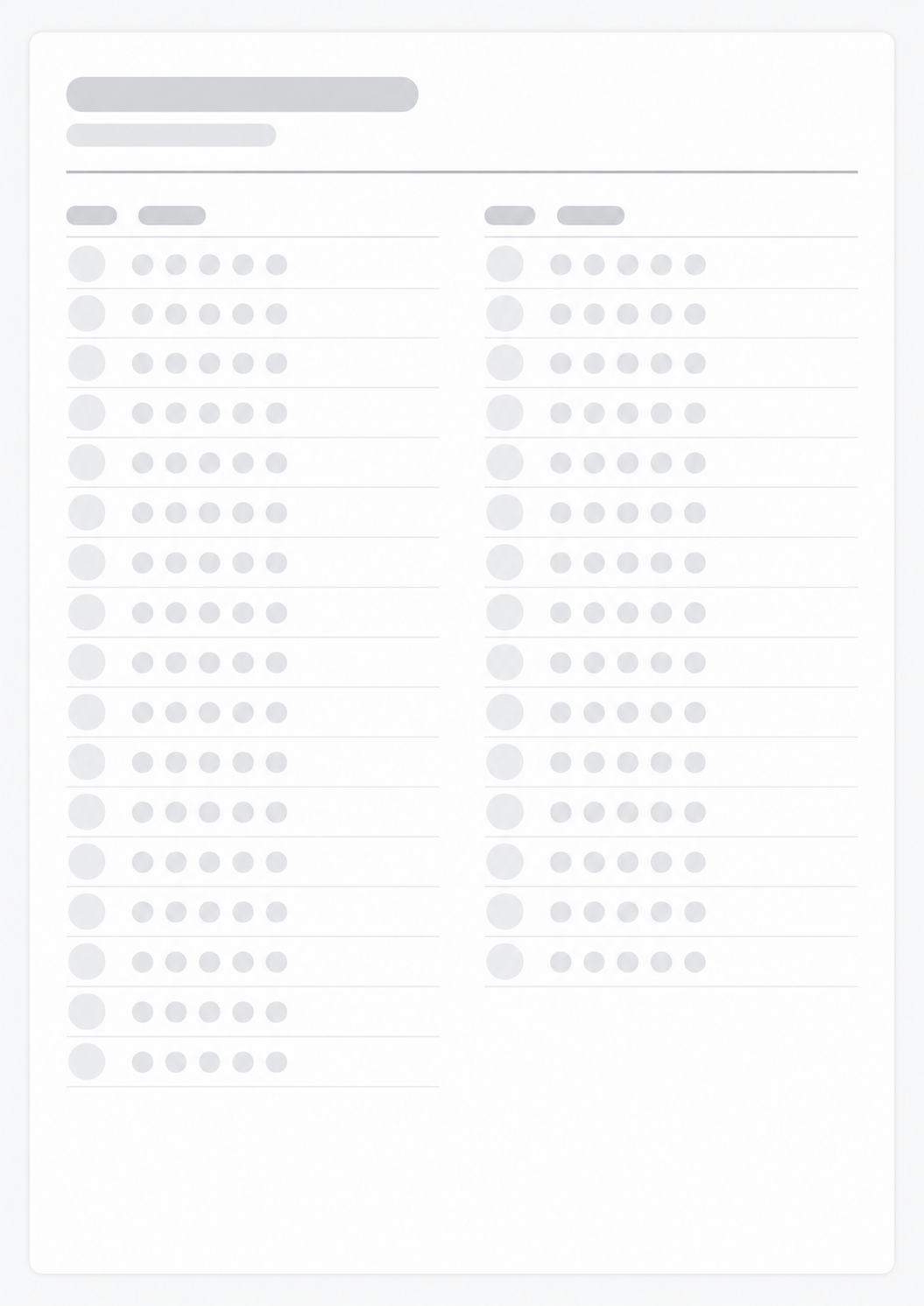
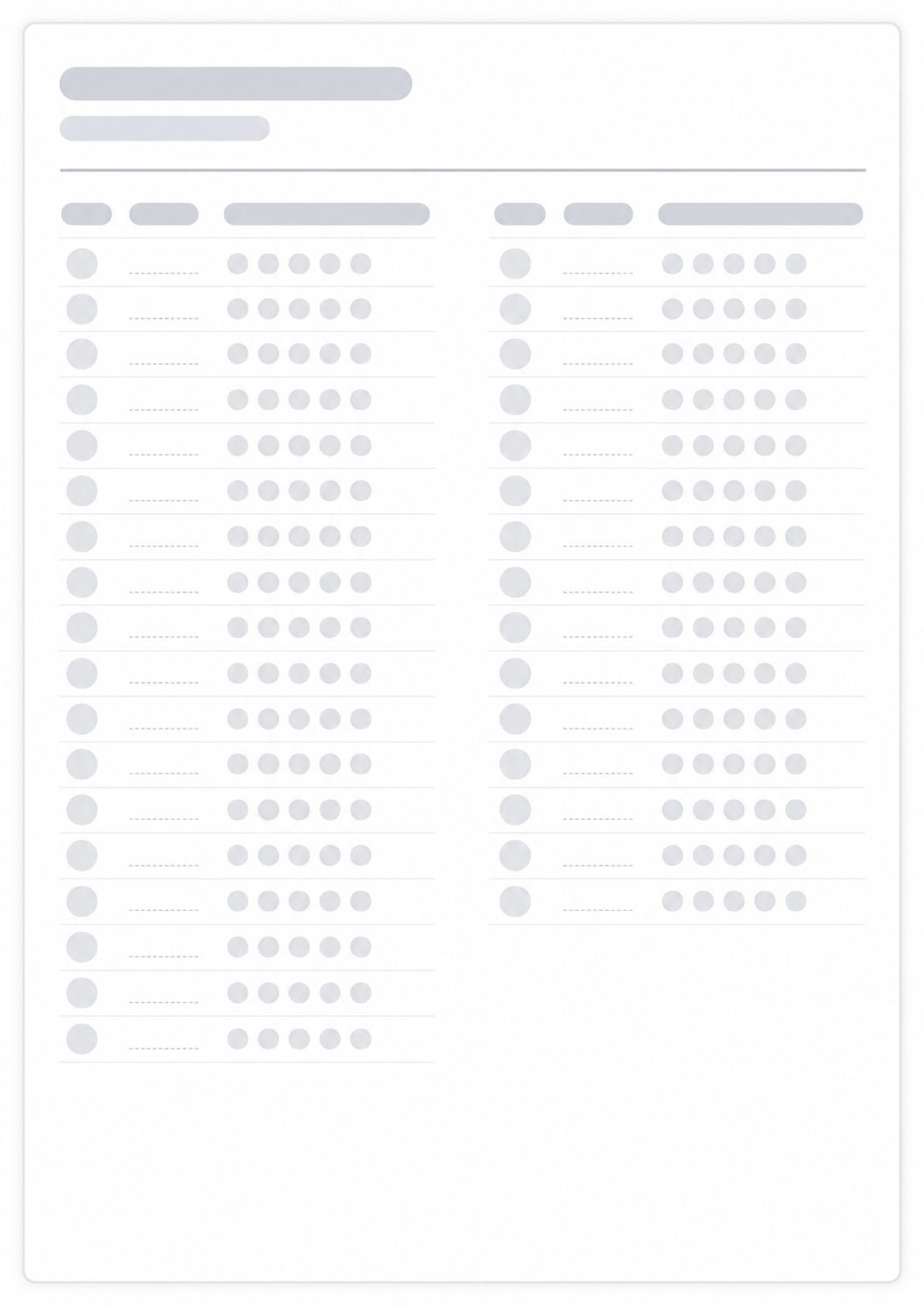
After you print the water month, these generators cover other daily marks, mood, and sleep on the same kind of paper record.

Questions about the Water Intake Tracker?
Does this water tracker save my glasses or need an account?
- No. Nothing is stored after you leave the page. The printed sheet is the record. Mark each glass on paper.
How does the daily goal work?
- Type a goal such as 8 glasses. That label prints on the sheet so you know how many marks fill a day. The page does not count for you.
Why do the days change between months?
- The grid uses the real length of the month you picked, including 29 days in February on a leap year.
What paper size should I use?
- One portrait A4 or Letter page. Keep the print scale at 100% and turn off headers and footers so the URL does not print.
How is this different from a habit tracker?
- This page is only water for one month. For several routines on the same grid, use the Habit Tracker.