
Reading Log
Print a book list with columns for author, dates, rating, and notes. Leave rows empty to fill by hand.
40 characters max
1 to 12
Reading Log
| Book title | Author | Start date | End date | Rating | Notes |
|---|---|---|---|---|---|
Type | Type | Type | Type | Type | Type |
Type | Type | Type | Type | Type | Type |
Type | Type | Type | Type | Type | Type |
Type | Type | Type | Type | Type | Type |
Type | Type | Type | Type | Type | Type |
What this generator prints
This page prints one landscape reading table. The title sits at the top. Each row can show a book title plus any mix of author, start date, end date, rating, and a short note. Dates use the language of the page and stay on the calendar day you picked. A rating prints as 4/5; an unrated book stays blank. Leave rows empty to write by hand. Title, row count, and column choices still apply.

How to Use
- 1Set the title, choose how many rows you want (up to 12), and pick which columns to print.
- 2Fill the table with books, or leave rows empty for a blank sheet.
- 3Add book titles and any authors, dates, a 1–5 rating, and a short note.
- 4Check the landscape preview, then print or save as PDF on one A4 page.
Author, date, rating, and note columns you can show or hide
Type books on the page, or leave rows blank to write by hand
Ratings from 1 to 5 shown as n/5, with empty cells when you skip a score
Up to 12 rows sized for one landscape A4 page
Related generators
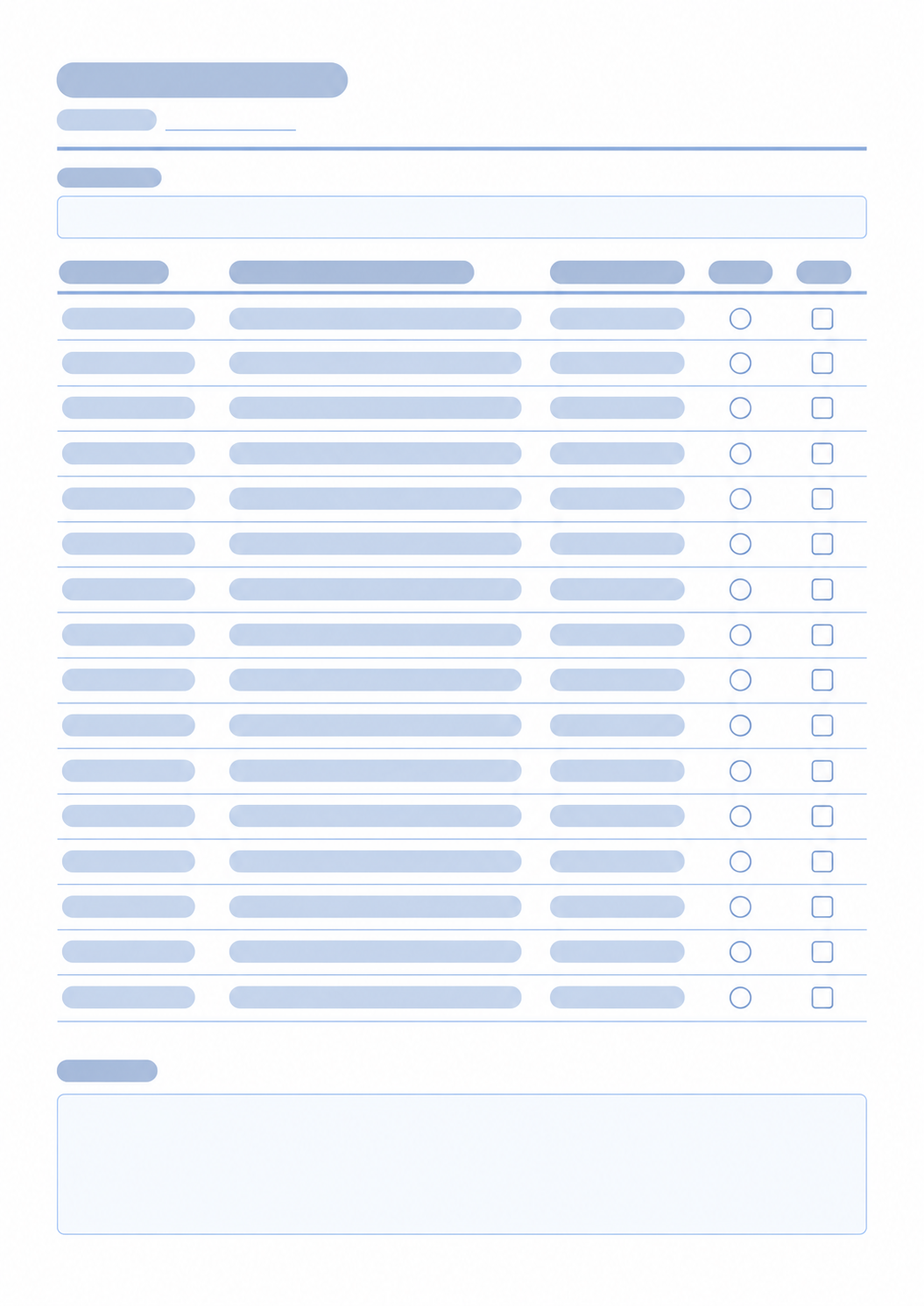
After you list the books, these pages help you schedule the reading, mark a daily habit, or place dates on a month.

Questions about the Reading Log?
Are my book details saved? Do I need an account?
- No. Nothing you type is stored after you leave the page, and you do not need an account. Print or save as PDF if you want a copy.
Can I print a blank reading sheet?
- Yes. Leave the rows empty. Title, row count, and column choices still apply. Empty cells print blank so you can write by hand.
Which columns can I show?
- The book title column always prints. Author, start date, end date, rating, and notes can be turned off. Hidden columns leave the preview and the printed table.
How does rating work?
- Each book can be left unrated or given a score from 1 to 5. Unrated cells stay blank and do not print 0. A selected rating prints as 4/5.
Which paper size and orientation should I choose?
- Use one landscape A4 page. Up to 12 rows are sized to fit that page. Keep the print scale at 100% and turn off headers and footers so the URL does not print.
How is this different from a study planner?
- This page is a list of books. For timed study sessions, use the Study Planner.