
Weekly Planner Generator
Print a one-page weekly planner with seven day cards, an optional notes area, and morning, afternoon, or evening bands. Type in the preview or print a blank sheet to fill by hand. Choose the week start and page orientation, then print or save as PDF.
Weekly Cleaning Schedule
Made with Weekly Planner
Explore completed weekly planning pages, then print one or customize its days, notes, and layout.
What this generator prints
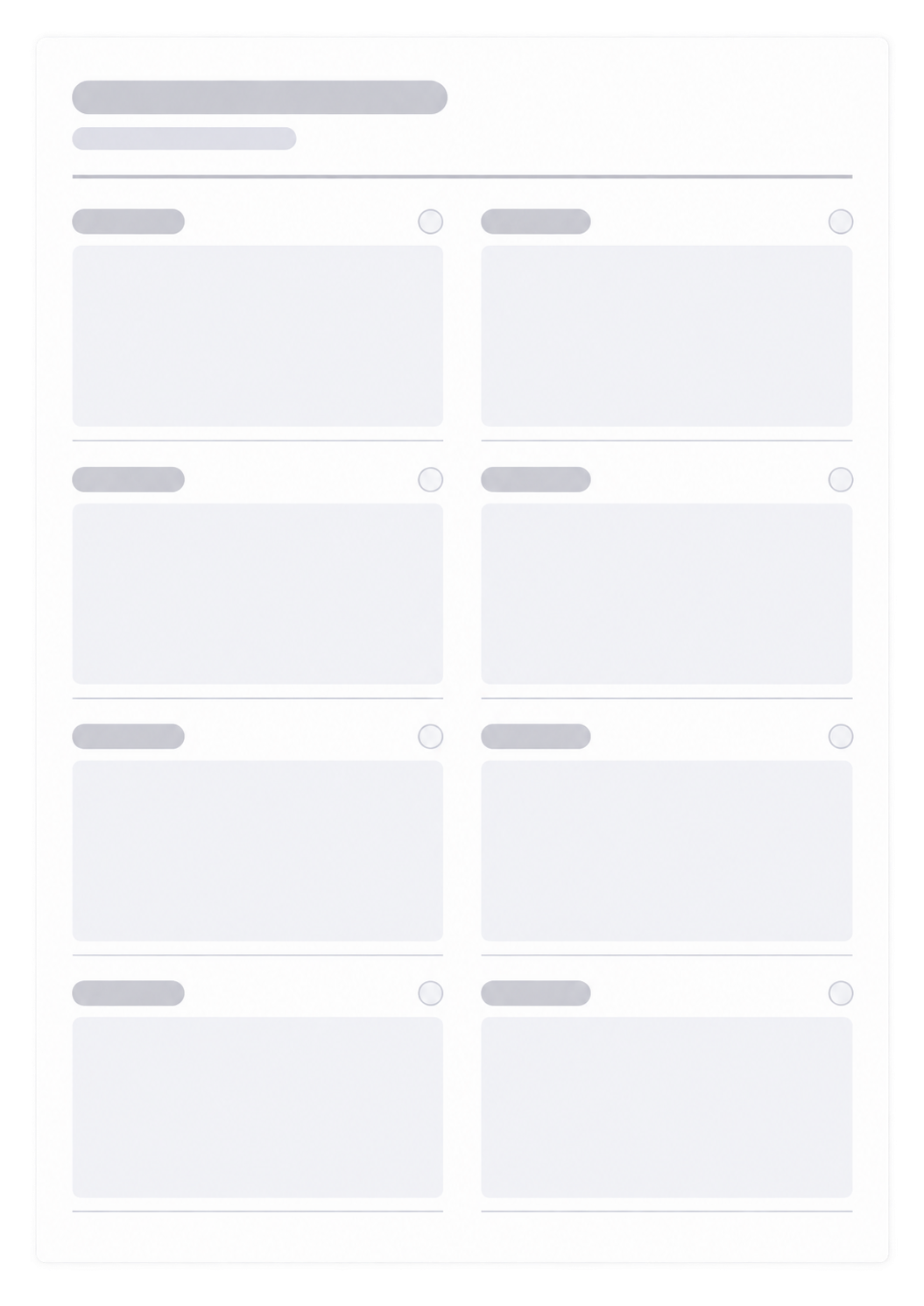
This page builds one weekly planner sheet you can print or save as a PDF. You get seven day cards, an optional notes area, and a title plus week range at the top. The days follow the weekday order you choose. Turn on day periods to split each day into Morning, Afternoon, and Evening; leave them off for a single open writing space. Portrait keeps taller day cards; landscape gives each day more width. Choose Fill here to type in the preview, or Blank sheet to print empty cards and write by hand.
How to Use
- 1Enter a title and the week range, such as March 2–8.
- 2Choose which weekday the days start on. The date range updates to match.
- 3Set day periods (none, labels, or icons), portrait or landscape, and whether notes are visible.
- 4Choose Fill here to type in the preview, or Blank sheet to print empty cards. Then print or save as PDF.
Seven days on one A4 page, with a notes area if you want it
Week can start on any day from Monday through Sunday
Optional morning, afternoon, and evening bands, or one open writing space
Portrait or landscape is set before you print, so the day cards match the paper
Related generators
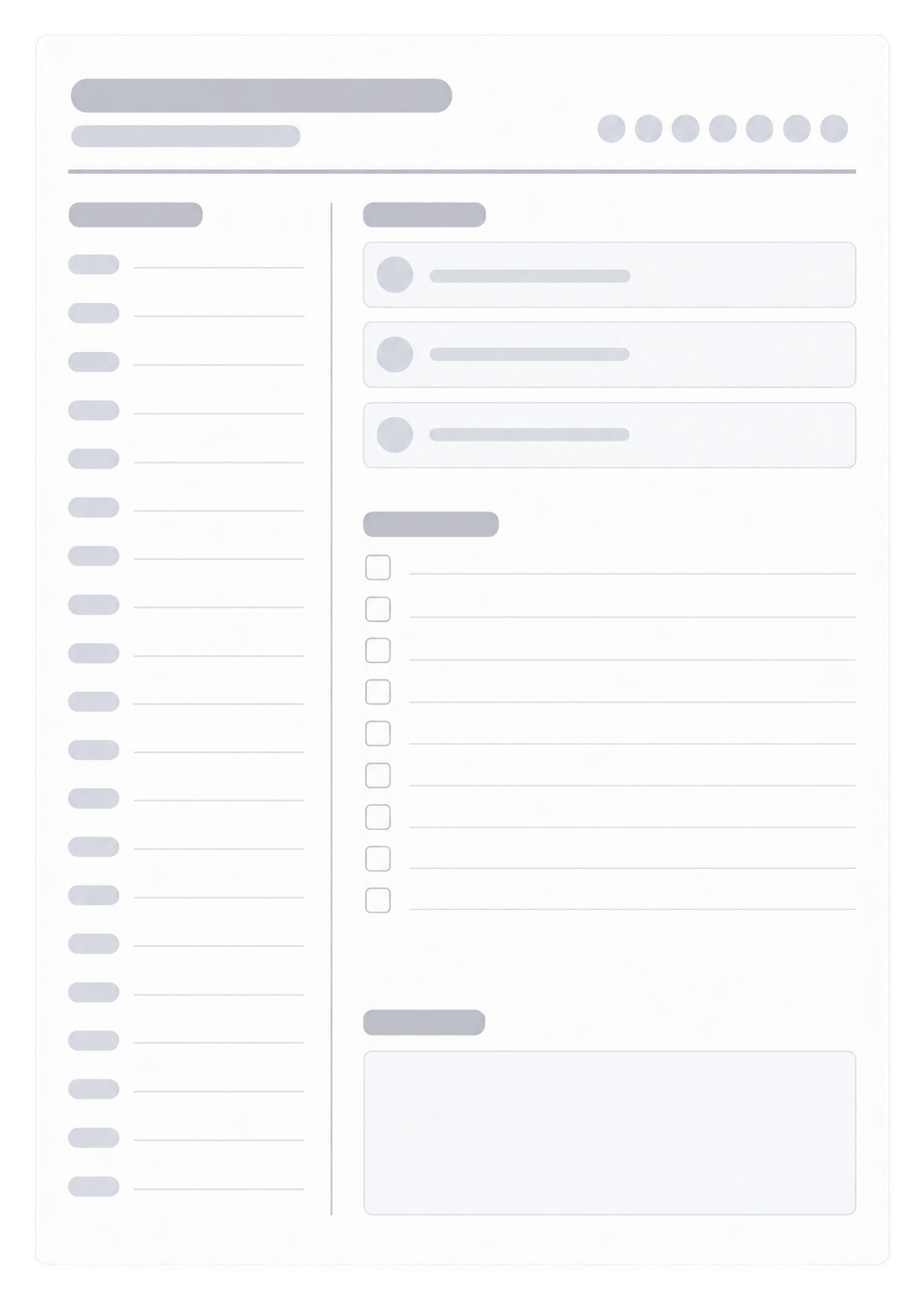
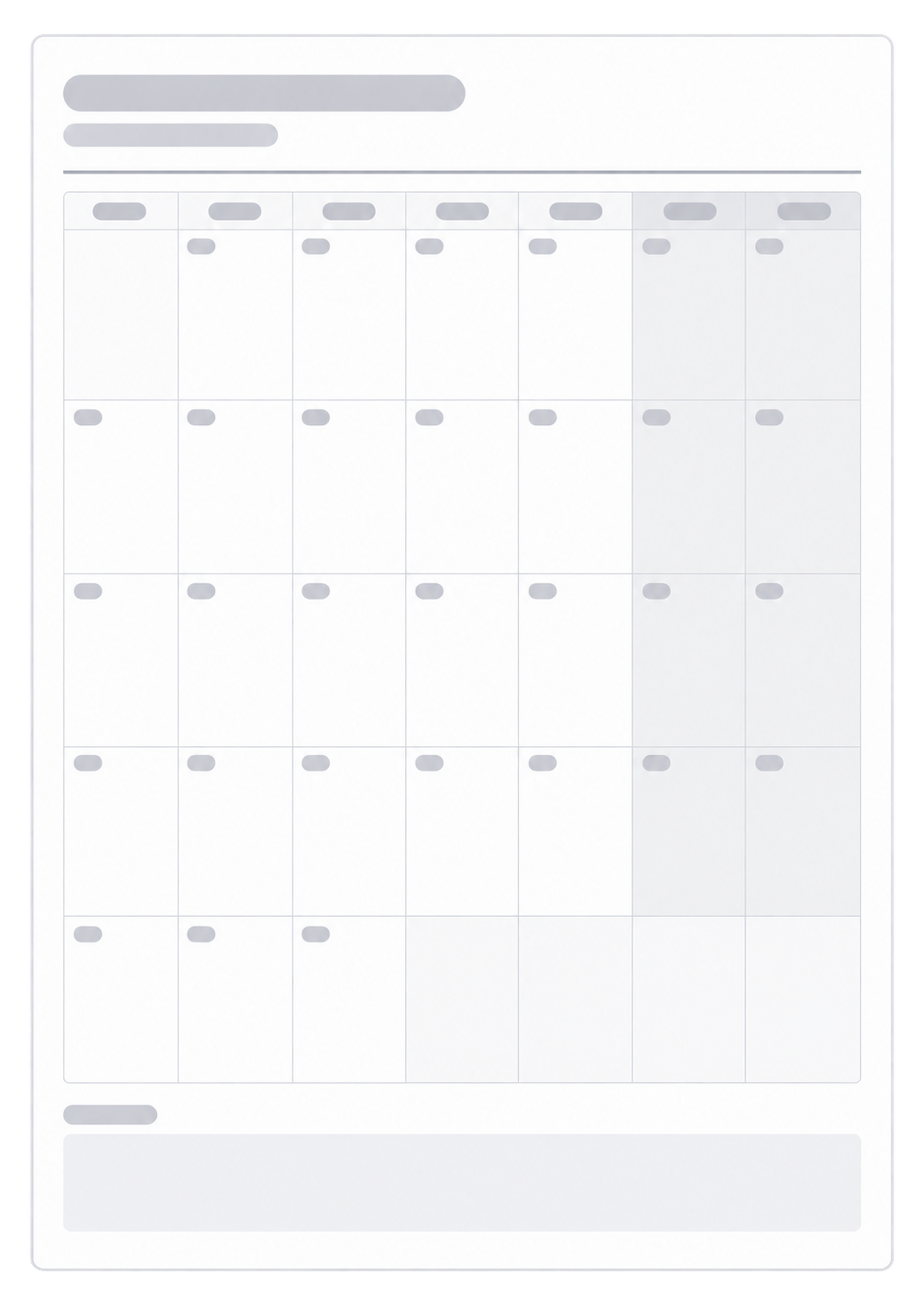
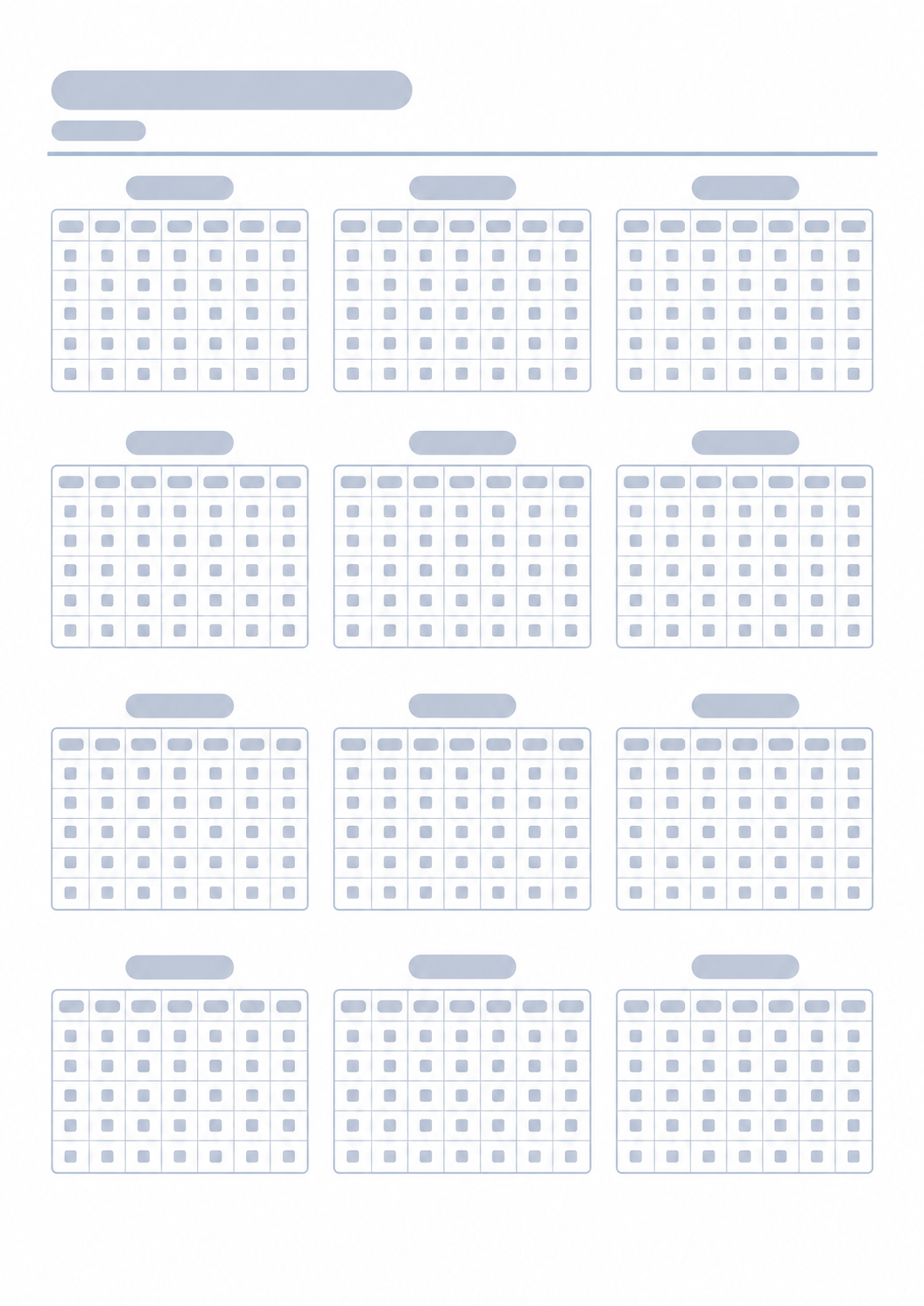
After you sketch the week on paper, these generators cover the day, the month around it, and the year.

FAQ
Does this weekly planner save my week or need an account?
- No. Nothing you type is stored after you leave the page. Print or save as PDF; the paper or file is your record for that week.
Can the week start on any day?
- Yes. Choose Monday through Sunday as the first day. The week range updates to match the weekday you pick.
What are day periods?
- Day periods split each day into Morning, Afternoon, and Evening. Use labels or icons, or turn them off for one open writing space per day.
Should I print portrait or landscape? What about notes?
- Portrait keeps taller day cards. Landscape gives each day more width. Turn on notes if you want an extra area for leftovers or a short list. The sheet is built for one A4 page; keep the print scale near 100%.
How is this different from a daily planner?
- This page is seven days on one sheet. For hour-by-hour blocks on a single day, use the Daily Planner.