
Decision Sheet Generator
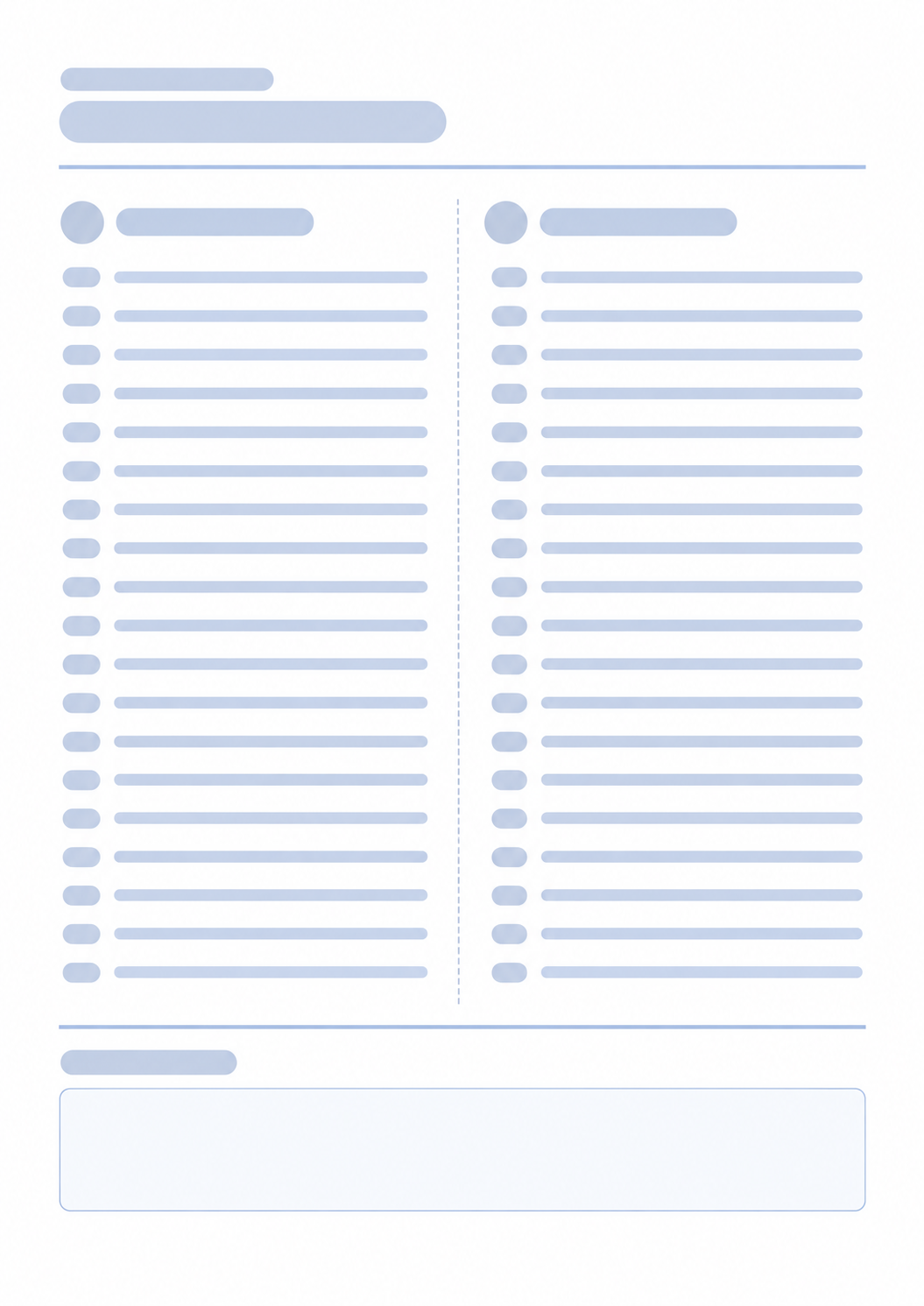
Print a one-page sheet with a question, plus and minus columns, and a conclusion box. Choose Fill here to type the arguments and the final decision in the preview, or Blank sheet to print an empty worksheet and complete it by hand.
40 characters max
Should I Delete Social Media?
Pros (Advantages)
Cons (Disadvantages)
Made with Decision Sheet Generator
Explore completed decision worksheets, then print one or customize the question, arguments, and conclusion.
What this generator prints
This page prints a portrait decision sheet. Type the question or decision title in the form. Choose Fill here to enter plus points, minus points, and the final decision in the preview. Choose Blank sheet to print empty columns and an empty conclusion box for handwriting. There is no date field, no scoring, and no suggested answer. Nothing is stored after you leave the page.
How to Use
- 1Type the question or decision in the title field, or leave it blank.
- 2Choose Fill here to type plus points, minus points, and the conclusion in the preview, or Blank sheet for empty lines.
- 3Print or save as PDF. Keep the scale at 100%.
- 4If you printed a Blank sheet, write the arguments and the conclusion by hand.
A question or decision title you can type before printing
Up to eighteen plus and minus lines you can fill in the preview or leave empty
A conclusion box for the final note
A one-page portrait sheet to print or save as PDF
Related generators
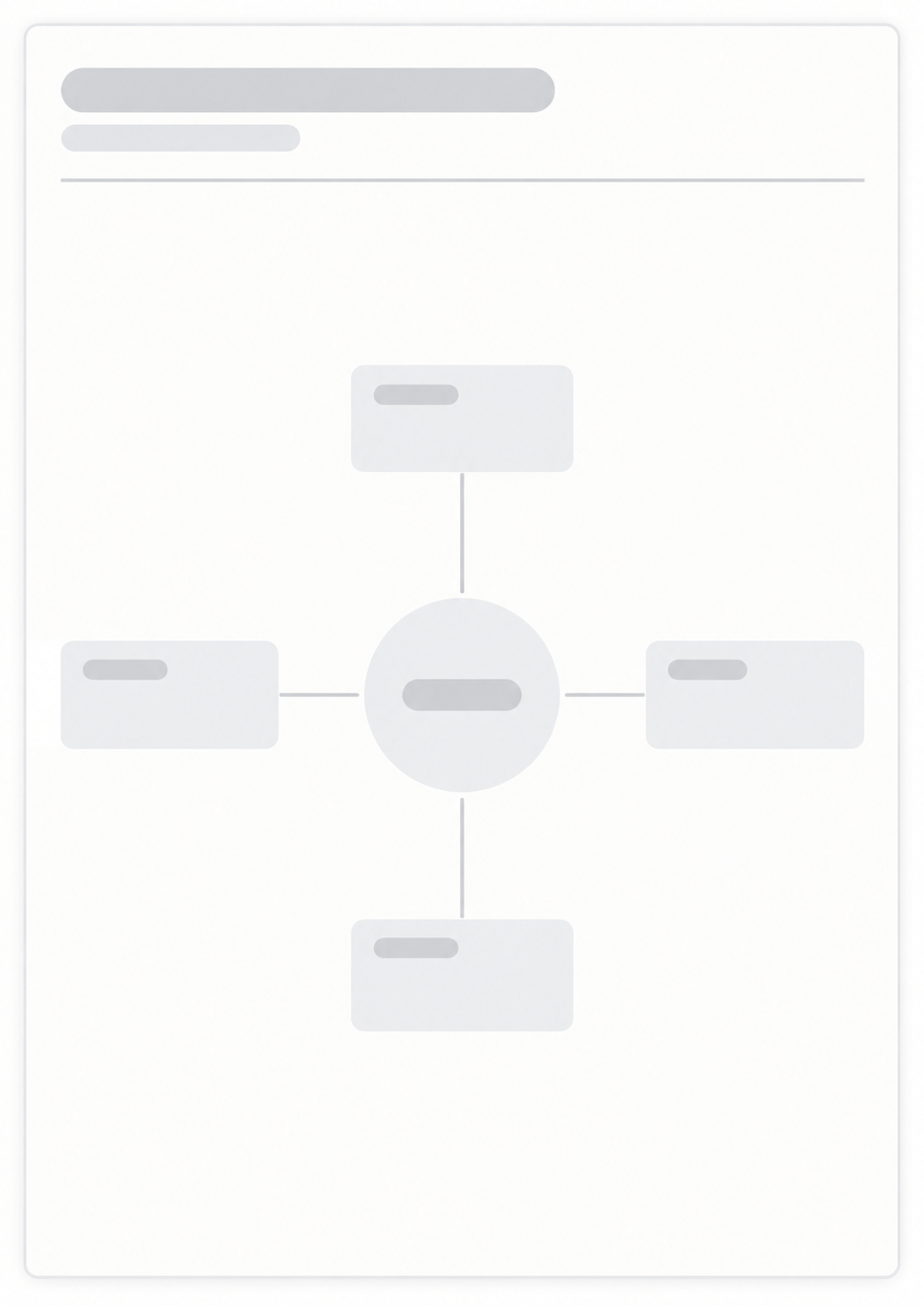
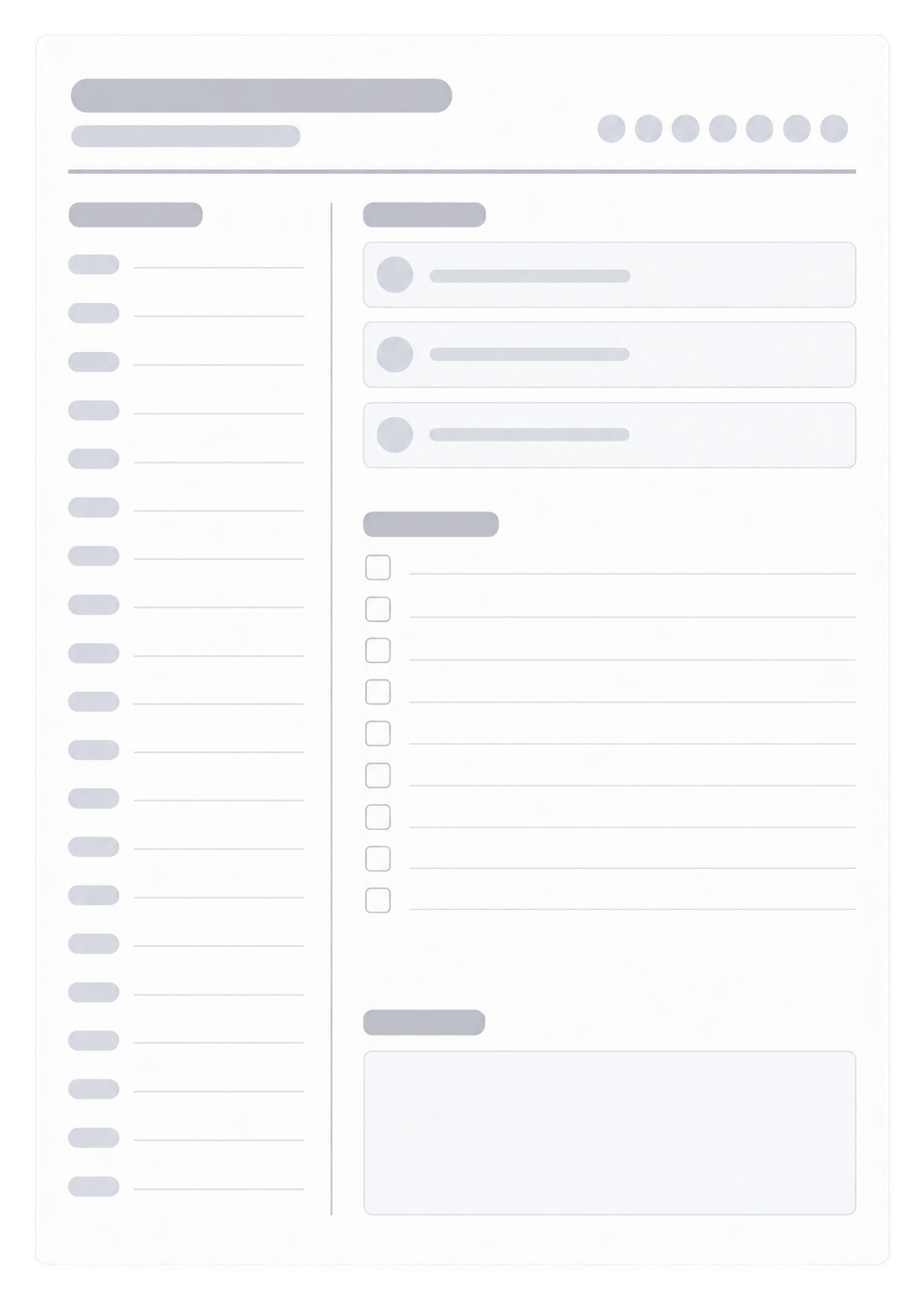
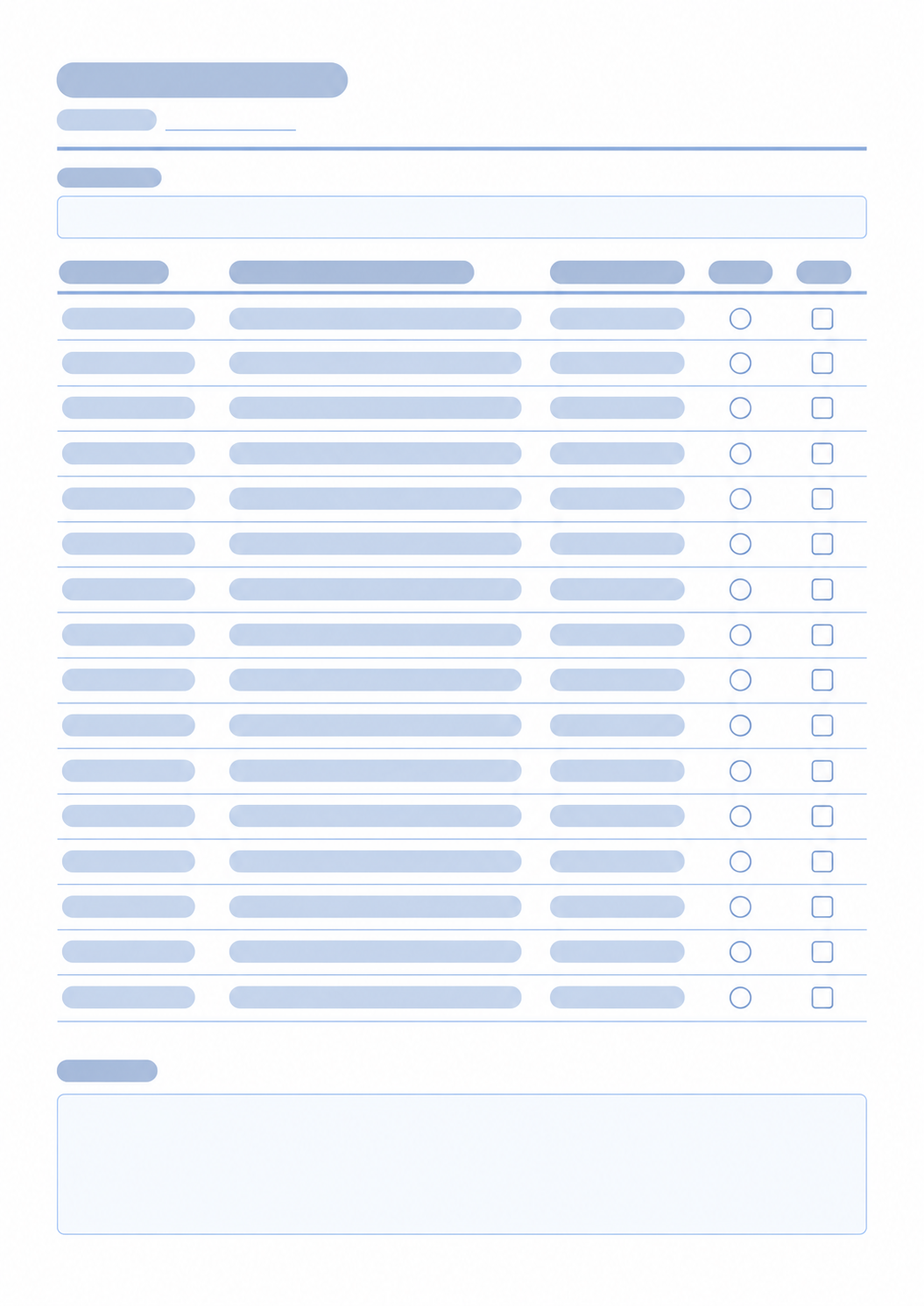
After you list the pros and cons, these generators help you map the options, plan the next day, or break the choice into study work.

Questions about the Decision Sheet?
Does this page keep what I type?
- The title and anything you type in the preview stay in this browser tab while the page is open. This page does not write them to localStorage or send them to our servers. Print or save as PDF if you want a copy.
What does the sheet include?
- A question or decision title, a plus column, a minus column, and a conclusion box. In Fill here, type the arguments and the conclusion in the preview. On a Blank sheet, those areas print empty for handwriting.
Can I print a blank sheet?
- Yes. Choose Blank sheet to print empty plus and minus lines and an empty conclusion box. You can still type a title, or leave it empty for a fully blank worksheet.
What paper size should I use?
- This sheet prints as one portrait page. Keep the print scale at 100% and turn off headers and footers so the URL does not print.
How is this different from a mind map?
- This page is two lists for one decision. For branches around a central topic, use the Mind Map.