
Savings Goal Tracker
Choose how many boxes you want, up to 100. Type a target if you want amounts on the page. Leave it blank to write the target, already saved, remaining, and progress by hand.
40 characters max
Savings Goal Tracker
Each segment: Completed segments: 0 / 20
What This Savings Goal Tracker Creates
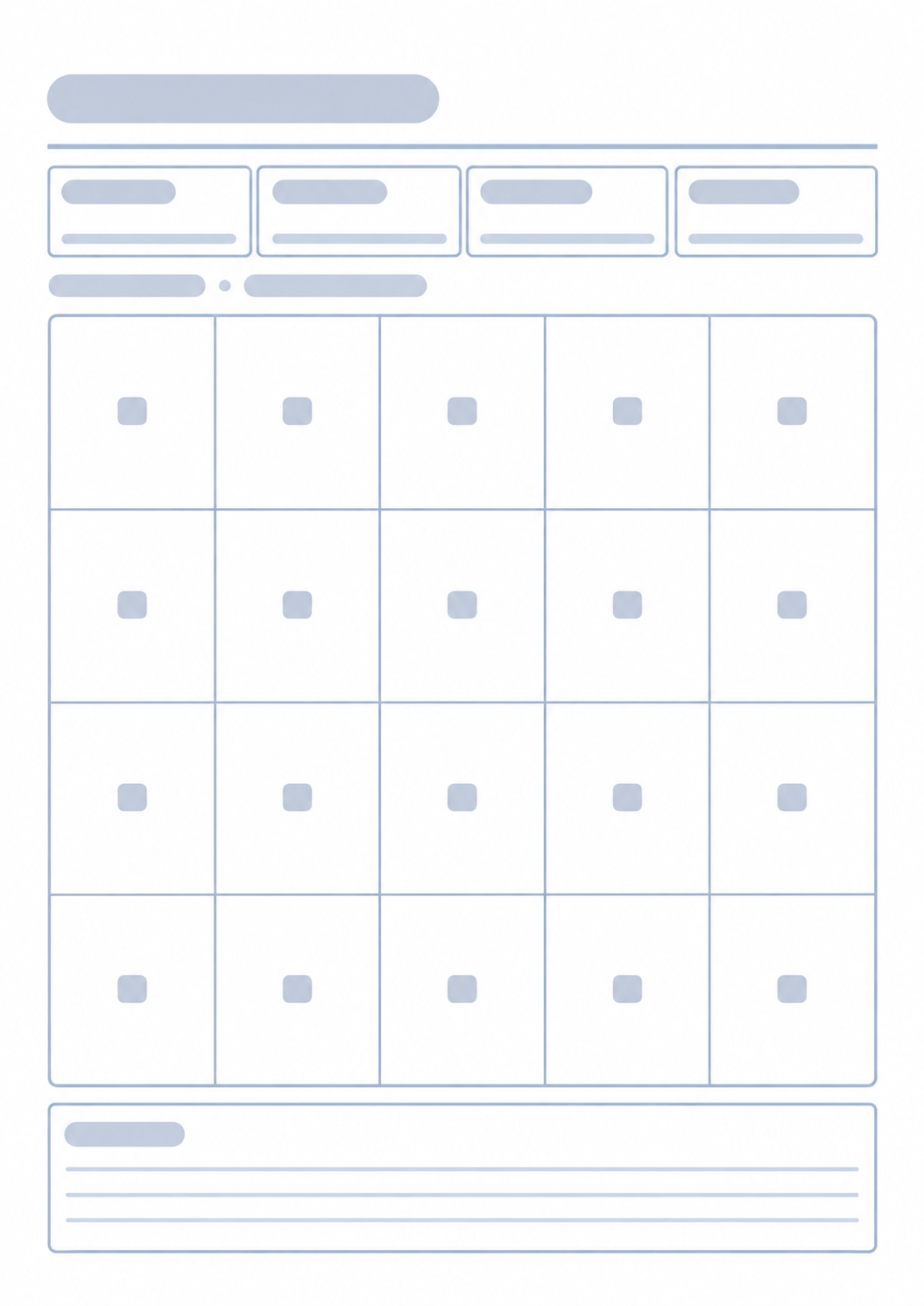
You get a portrait sheet that fits one A4 or Letter page: the goal name and a numbered grid. Type a target if you want that amount and each cell’s running total printed. Leave the target blank and those fields print as write-in lines. Already saved, remaining, and progress always print empty. Each cell starts empty — shade it when you set that slice aside. A target date and a short note are optional. This is a paper tracker, not a linked bank account or a saved online balance.
How to Use the Savings Goal Tracker
- 1Name the goal. Type a target if you want amounts printed — 10000 and 10,000 both work. Leave it blank to write the target by hand.
- 2Choose a currency. Add a target date only if you want that date on the printed page.
- 3Type how many cells you want, up to 100. 20 is a useful default; use 100 if you want smaller check-ins.
- 4Print or save as PDF. Write already saved, remaining, and progress on the sheet, and shade the next cell each time you set that slice aside.
Print a blank sheet, or type a target so each cell shows its amount
Choose any number of slices up to 100 so a $10,000 goal can be $1,000 or $100 boxes
Empty black-bordered cells on a white page, so a cheap printer still reads
Keep a target date and a one-line reminder on the same sheet
How Savings Segments Work
If you type a target, it is split evenly. $10,000 across 20 cells is $500 each, and each cell label is the running total you need to reach, so cell 5 is $2,500. Leave the target blank and cells show only their numbers. The printed grid stays empty so you can shade cells by hand. Shade a cell when you have set aside that full slice. Fewer cells mean larger transfers; more cells mean smaller, more frequent marks. The sheet does not compound interest or remember past prints.
Related money generators
This grid answers how close you are to one lump-sum target. Use the tools below when you need a monthly plan, a spending log, or a named holiday gift list.

FAQ
Does this save my progress in an account?
- No. Nothing is stored after you leave the page. The printed sheet is the record. Write the new already-saved amount on it, or print a fresh copy if you want a clean page.
How do I know which cell to shade?
- If you typed a target, each cell shows the running total you need to reach. On a $10,000 goal with 20 cells, cell 5 is $2,500. If the target is blank, cells show only numbers — shade them in order. Shade the next empty cell only when that full slice is set aside.
Why are already saved, remaining, and progress empty?
- Those boxes stay blank so you can update them on paper. Type a target if you want the target and each cell amount printed. Leave the target empty and those fields are write-in lines too.
How is this different from the Budget Planner?
- The Budget Planner splits one month’s income across categories. This page tracks a single goal as equal boxes, which may take several months. Use both if you want a monthly plan and a long-running target on the fridge.
What paper size should I use?
- One portrait A4 or Letter page. Keep the print scale at 100%. If you also keep a spending log, the Expense Tracker is the same print flow on a table layout instead of a grid.