
Budget Planner Generator
Plan monthly income and expenses, compare planned vs actual values, and stay in control with a printable budget sheet
40 characters max
Content
Visible columns
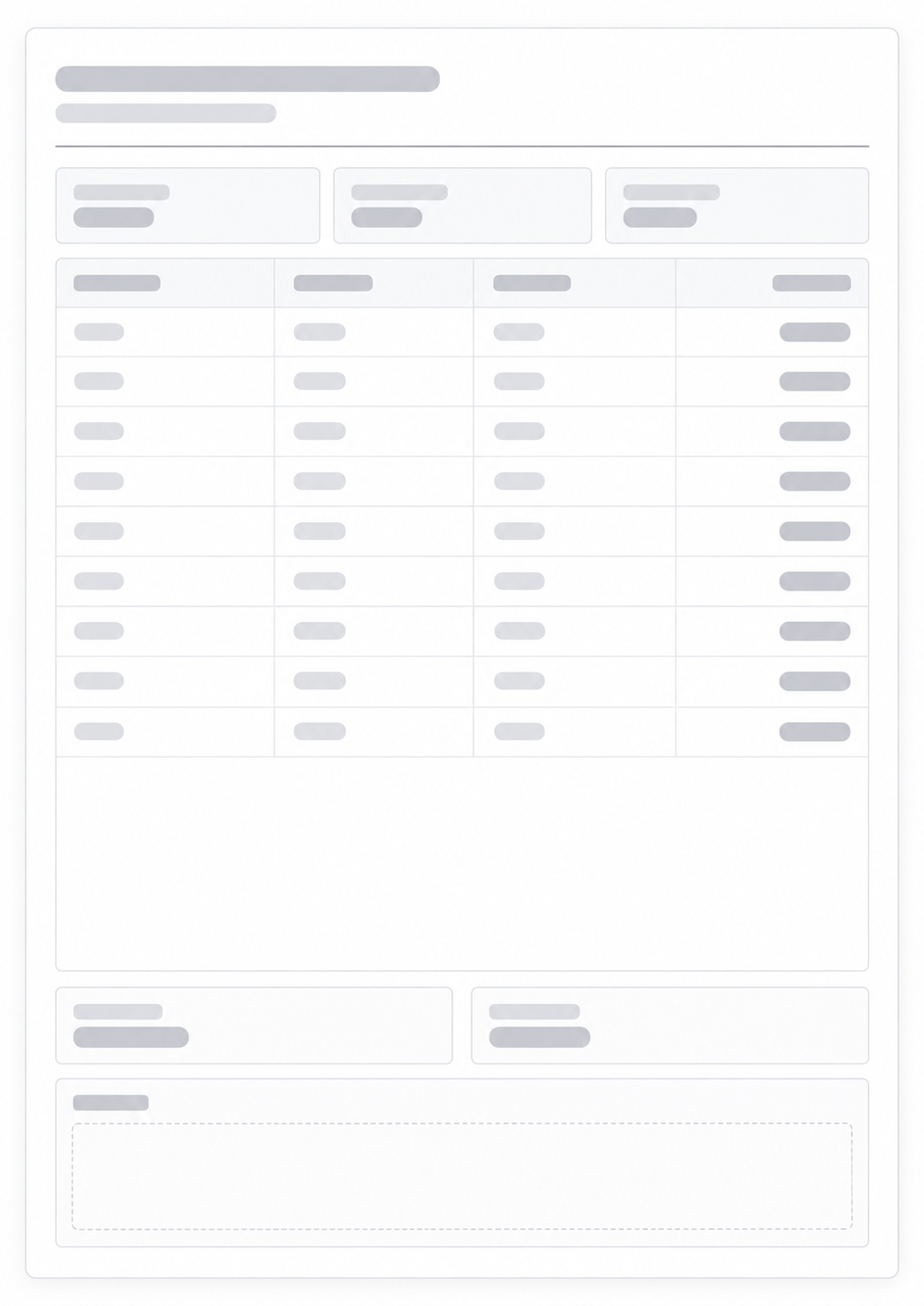
Print Preview · Portrait
Budget Planner
October 2026
Total Planned
$0.00
Total Actual
$0.00
Total Difference
$0.00
Category
Planned
Actual
Difference
Type
Type
Type
$0.00
Type
Type
Type
$0.00
Type
Type
Type
$0.00
Type
Type
Type
$0.00
Type
Type
Type
$0.00
Type
Type
Type
$0.00
Type
Type
Type
$0.00
Type
Type
Type
$0.00
Type
Type
Type
$0.00
Type
Type
Type
$0.00
Remaining
$0.00
Savings Rate
0.0%
Notes
What this generator prints
A budget planner helps you allocate your income before the month starts and compare your plan with actual spending. It keeps your money decisions visible and measurable.
How to Use
- 1Enter title, period, currency, and monthly income
- 2Add budget categories and planned amounts
- 3Fill actual amounts during or after the month
- 4Review totals, remaining balance, and savings rate
Plan your spending ahead of time
Compare planned and actual expenses
Spot overspending categories quickly
Track savings progress month by month
Related money generators
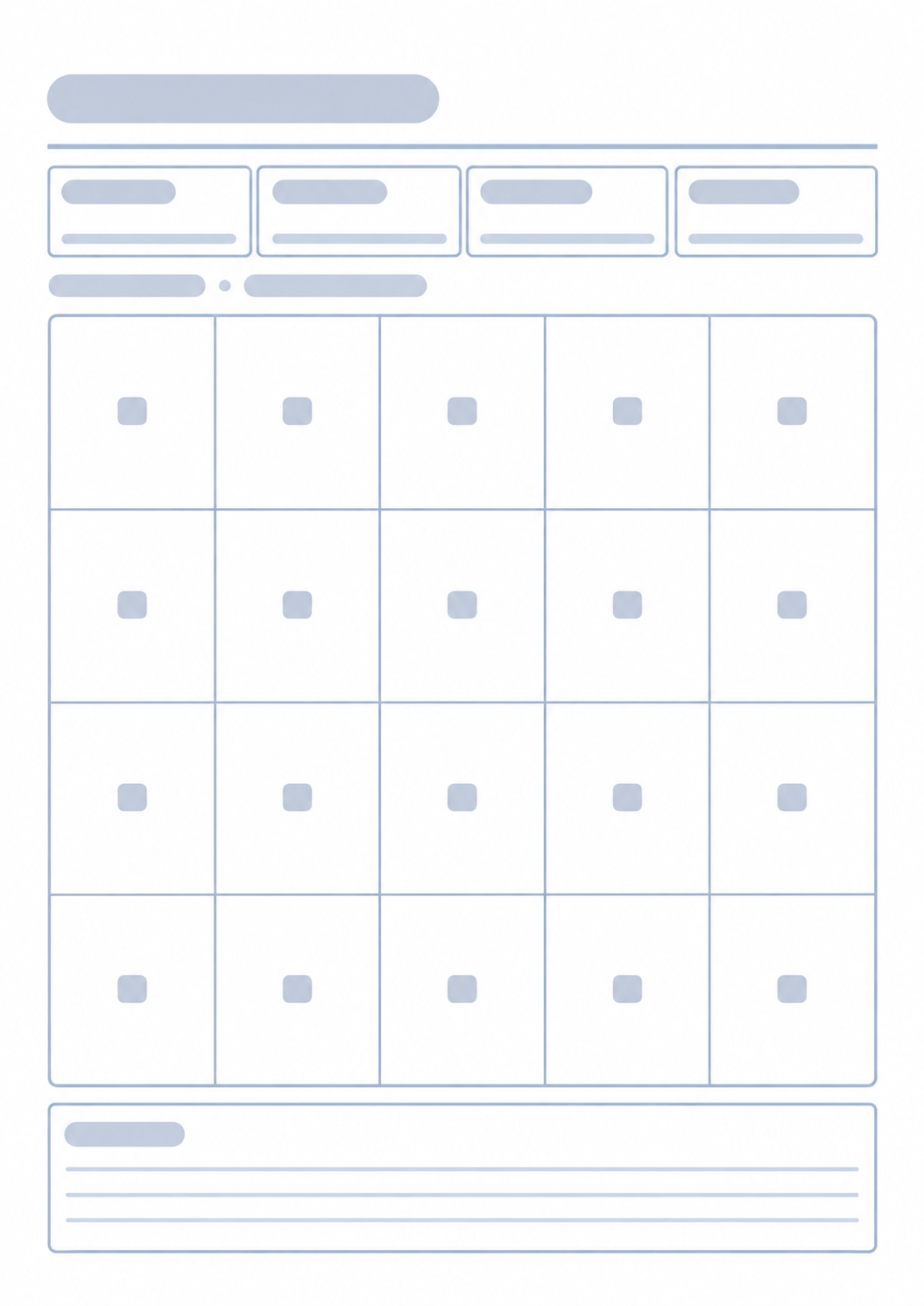
A monthly budget shows where this month’s money should go. When one of those lines is a longer savings target, print a grid for that goal.

Questions about the Budget Planner?
Does this budget planner save my numbers or need an account?
- No. Nothing you type is stored after you leave the page. Print or save as PDF; the paper is the month’s plan.
What do planned, actual, and difference mean?
- Planned is what you set before the month. Actual is what you write as money leaves. Difference is the gap between those two columns.
Can I print a blank sheet?
- Yes. Turn off editable-on-web to print empty category rows, then write amounts by hand.
What paper size should I use?
- One portrait page. Keep the print scale at 100% and turn off headers and footers so the URL does not print.
How is this different from a savings goal tracker?
- This page splits one month’s income across categories. For one lump-sum target as equal boxes, use the Savings Goal Tracker.