
Expense Tracker Generator
Track your daily expenses, categorize spending, and stay on budget with this printable tracker
40 characters max
Content
Visible Columns
Print Preview · Portrait
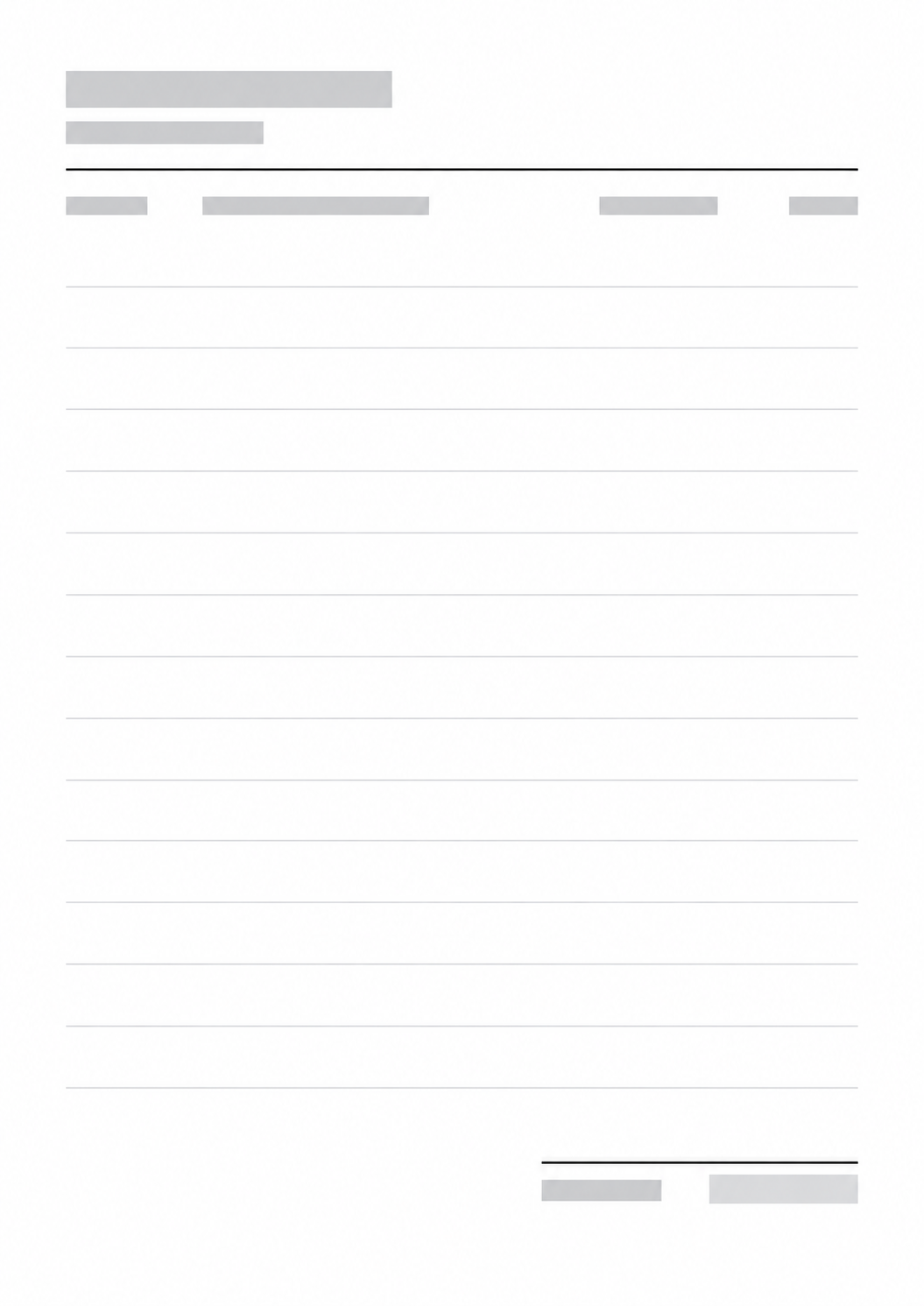
Expense Tracker
October 2026
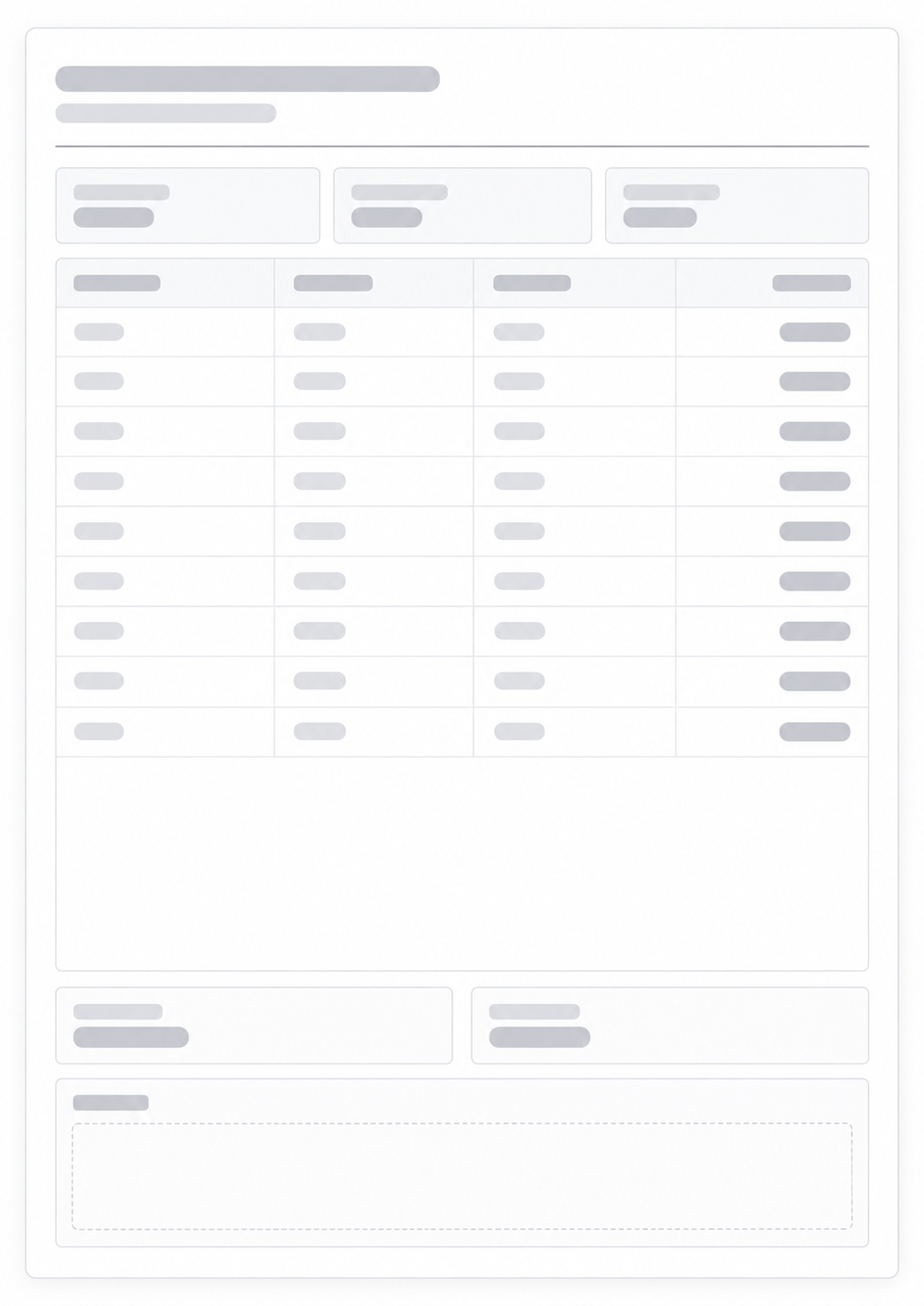
| Date | Description | Category | Amount |
|---|---|---|---|
Type | Type | Type | Type |
Type | Type | Type | Type |
Type | Type | Type | Type |
Type | Type | Type | Type |
Type | Type | Type | Type |
Type | Type | Type | Type |
Type | Type | Type | Type |
Type | Type | Type | Type |
Type | Type | Type | Type |
Type | Type | Type | Type |
Type | Type | Type | Type |
Type | Type | Type | Type |
Type | Type | Type | Type |
Type | Type | Type | Type |
Total Expenses:
0.00
What this generator prints
An expense tracker is a financial management tool that helps you record and categorize your spending. It helps you keep your budget under control and reach your financial goals.
How to Use
- 1Enter a title and period.
- 2Choose the number of rows and visible columns.
- 3Choose between a blank or fillable template.
- 4Print the tracker or save it as a PDF.
Visualize your spending
Maintain budget control
Analyze your financial habits
Reach your savings goals
Related money generators
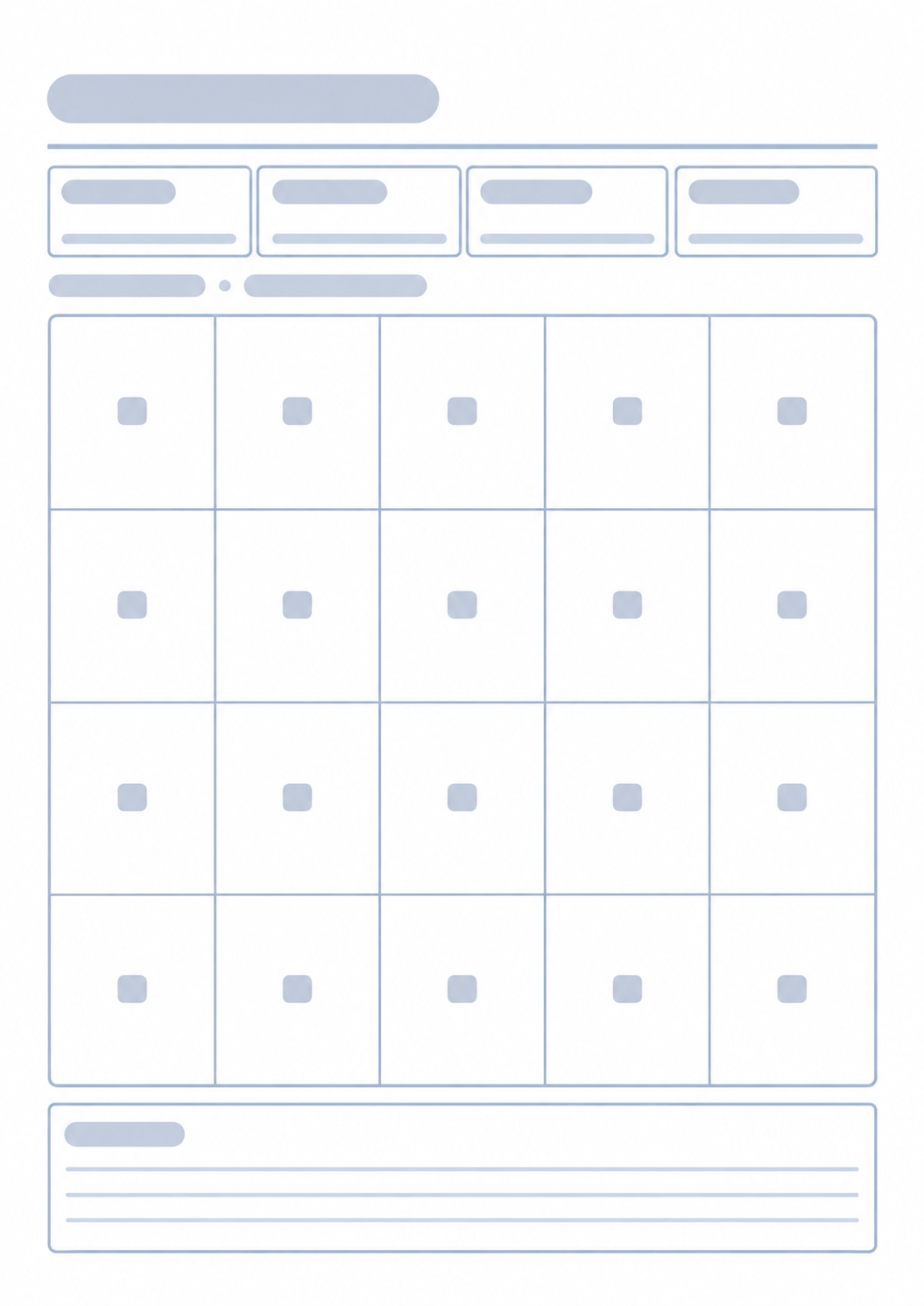
An expense log shows where the money went. If you are cutting spending to fund one target, keep that target on a separate grid.

Questions about the Expense Tracker?
Does this expense tracker save my log or need an account?
- No. Nothing you type is stored after you leave the page. Print or save as PDF; the paper is the spending record.
What goes in each row?
- Date, description, and amount. You can also show a category column. Write the amount in the currency you already use.
Can I print a blank sheet?
- Yes. Fill the title and period, then print empty rows and write expenses by hand as they happen.
What paper size should I use?
- One portrait page. Keep the print scale at 100% and turn off headers and footers so the URL does not print.
How is this different from a budget planner?
- This page is a log of money that already left. To plan categories before the month, use the Budget Planner.