
QR Code Generator
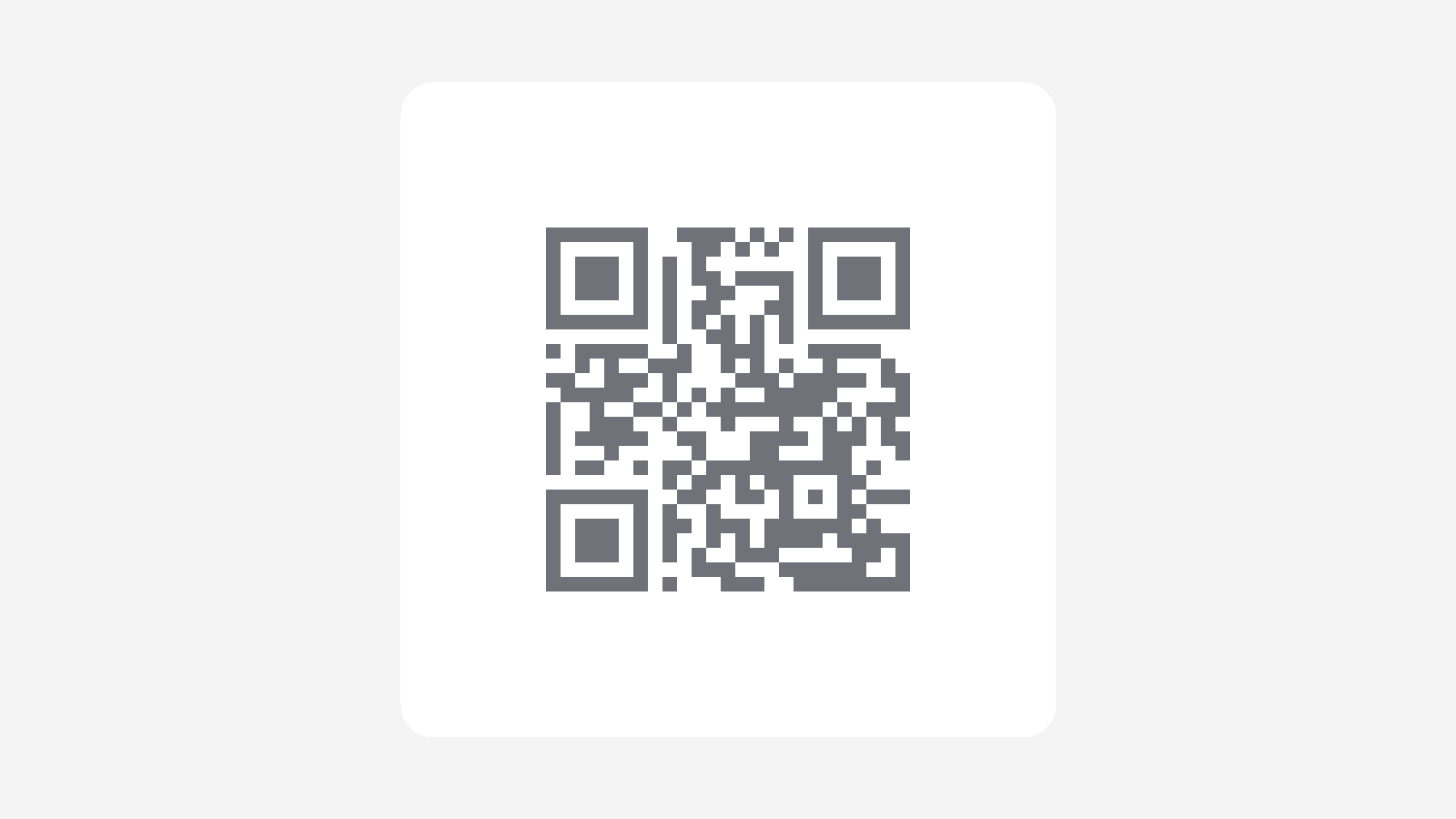
Type a URL or any text. A black-and-white QR code updates as you type. Download a PNG when it looks right.
Preview
Your QR code will appear here
Enter a website address or a short message. The preview updates as you type. Download stays off until there is something to encode.
What this generator creates
This page builds a static QR code in your browser. The image holds the URL or text you typed—nothing more. It does not create a short link, track scans, or keep the destination website online. If you encode a web address, visitors still need that site to be reachable.
How to Use
- 1Type a website address or any text in the field.
- 2Check the black-and-white preview as it updates.
- 3If you see an error, shorten the text. The tool will not trim it for you.
- 4Download the PNG and open it with a phone camera or QR reader to confirm the content.
Preview updates as soon as you type
Works with URLs, plain text, and characters such as Turkish or Japanese
Downloads a sharp black-and-white PNG with a quiet border
Runs in the browser; your text is not stored on our servers
Related generators
This page encodes a URL or a short note as an image. These tools help you draft the message or plan the trip behind that link.

Questions about the QR Code Generator?
Is anything I type stored?
- No. The QR code is created in your browser. The text is not saved on our servers, sent to an analytics event, or passed to an external API. Leave the page and it is gone unless you downloaded the PNG.
Can I encode a URL and plain text?
- Yes. Paste a website address or type any message. The code stores exactly that content. There are no extra types such as Wi-Fi setup in this first version.
Does the QR code expire?
- The image itself does not expire. It is a static code: a scanner will always read the same text. If you encoded a web address, that site must still be online for the link to work. This tool does not host or maintain the destination.
Can I change the content of a downloaded QR later?
- No. A downloaded PNG keeps the text that was encoded when you saved it. To change the content, edit the field and download a new file.
How do I download and scan the QR code?
- When the preview looks right, use Download PNG. Open the file on a phone or point a camera / QR reader at the image. The scan should match what you typed. If the input is empty or too long, download stays off so you cannot save an old or invalid code.