
HTML Email Template Builder
Tweak options—the preview updates live. Export HTML suited to Gmail, Outlook, Apple Mail, and similar clients.
Preview
Typical inbox support: Gmail · Outlook (Win/Mac/Web) · Apple Mail · Yahoo · Mobile Gmail
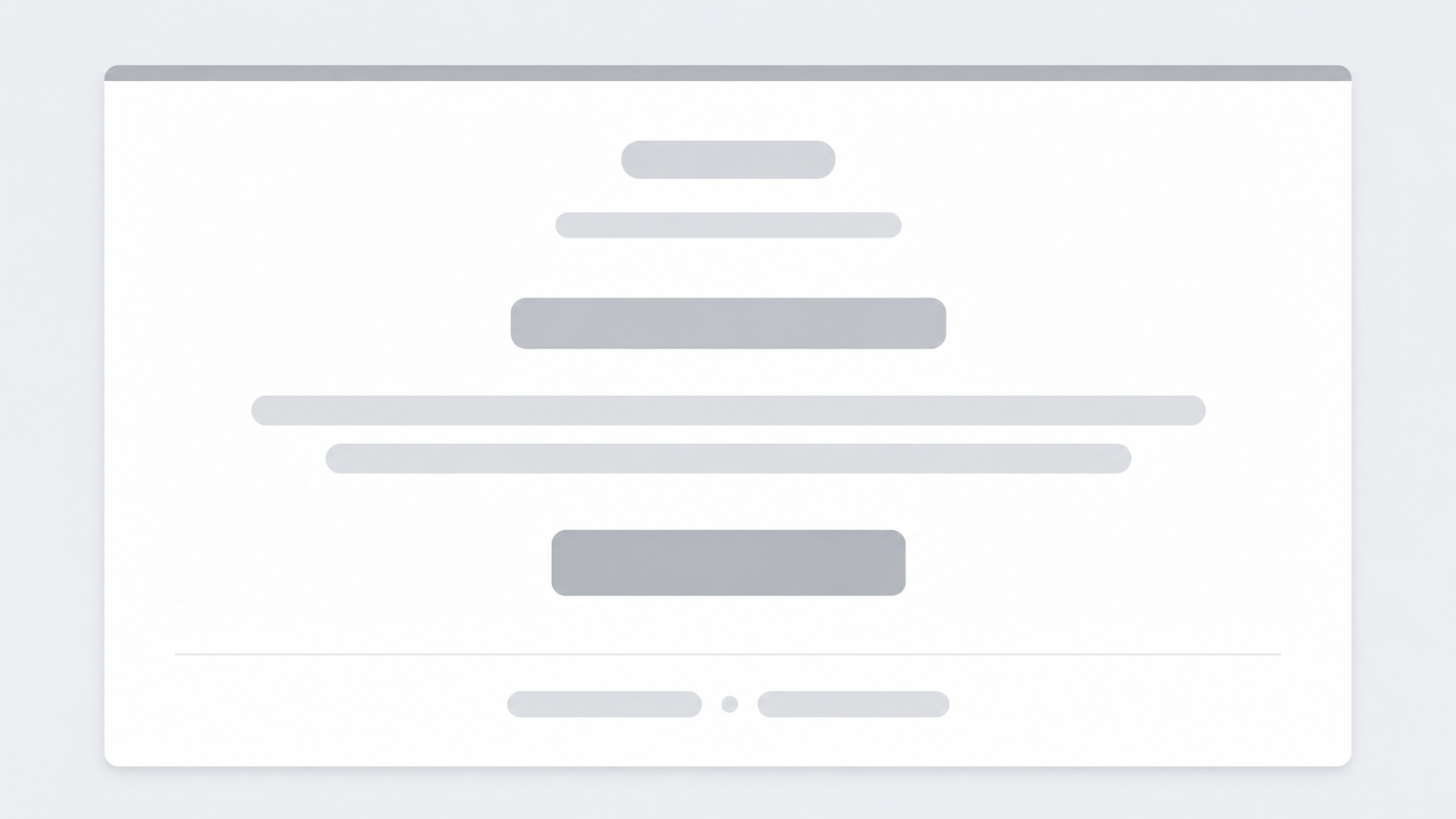
Welcome — here's what to do next
You're in
Thanks for signing up. Your account is ready whenever you want to explore. Reply to this email if you need help.
You are receiving this because you opted in at example.com · Unsubscribe
What does it do?
You tweak a sample email in the browser, preview it, then copy HTML to paste into Mailchimp, Brevo, your editor, or wherever you send from.
Steps
- 1Set accent, background, and which sections show (preheader, button, footer).
- 2Check the preview matches what you want.
- 3Open Export HTML and copy the code.
- 4Paste into your email tool and replace links and text before sending.
Preview updates as you change options
Copy the full HTML in one go
Built for common inbox apps
Core use without an account
Related generators
This builder copies HTML for an inbox. These generators help you decide what to say and map the message before you paste the code.

Questions about the HTML Email Template Builder?
Does this email builder save my template or need an account?
- No. Nothing you type is stored after you leave the page. Copy the HTML before you close the tab.
How do I use the HTML?
- Open Export HTML, copy the code, and paste it into Mailchimp, Brevo, or your own editor. Replace links and text before you send.
What can I change in the preview?
- Accent color, background, and which blocks show: preheader, headline, body, button, and footer. The preview updates as you change options.
Is this a printable page?
- No. This tool is for copying HTML into an email app. It is not a paper template.
How is this different from a decision sheet?
- This page builds an email layout. If you still need to choose what to say, start with the Decision Sheet.