
Maze Generator
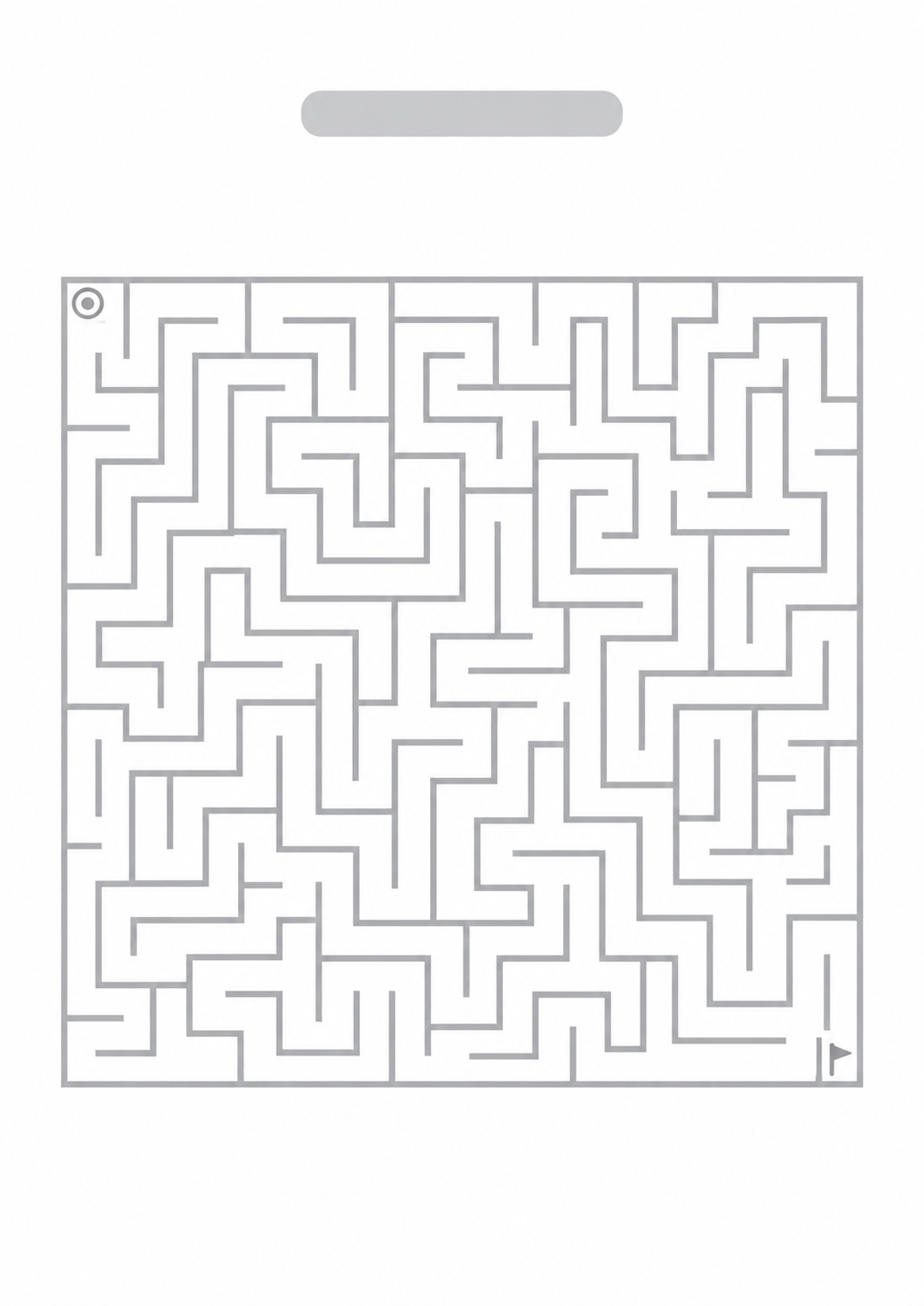
Create a unique printable maze in seconds. Choose the difficulty and size, generate a new maze, and print it with an optional solution page.
Page 1
Page 2
Halloween Maze

Solution
Made with Maze Generator
Explore ready-to-print mazes, then print one or customize its difficulty, theme, start, and finish.
What this generator prints
This page builds a unique maze in your browser and lays it out for A4. Use it for classroom work, homeschooling, kids’ activity sheets, travel, rainy days, parties, or puzzle practice. Easy mazes stay more open for a quicker path. Hard mazes add longer corridors and more dead ends. Nothing you generate is stored on a server.
How to Use
- 1Choose the maze difficulty and size. Square fits a compact sheet; rectangle uses a taller printable ratio.
- 2Set the start and finish, the page orientation, and whether to include a solution page. You can rename the title.
- 3The preview updates automatically when you change the settings. Click Regenerate Maze for a different layout with the same settings.
- 4Check the preview, then print or save as PDF. The solution, if enabled, starts on its own page.
A new maze on every generate, with start and finish you can place
Easy, Medium, and Hard change how open the maze is, not just the label
An optional second page that marks the path in grayscale-friendly ink
Print or save as PDF from your browser; the maze stays on your device
Related generators
After you print the maze, these pages cover another puzzle, study cards, or the lesson around the activity.
Word Search Generator
Hide a word list in a printable letter grid
Flashcard Generator
Print foldable question-and-answer cards for the same session
Study Planner
Plan the sessions that use this maze or the next puzzle
Math Worksheet Generator
Print addition, subtraction, multiplication, and division practice

Questions about the Maze Generator?
How do I create a printable maze?
- Choose a difficulty, size, shape, start, and finish. The preview updates automatically. You can also set a title, theme, and portrait or landscape orientation.
Are the mazes different every time?
- Yes. Click Regenerate Maze to keep your settings and build a different random layout.
Can I choose the maze difficulty?
- Yes. Easy keeps more open passages and fewer long dead ends. Medium is a balanced maze. Hard keeps a denser layout with longer corridors and more dead ends. The structure changes, not only the label.
Can I print the maze?
- Yes. Use Print or Save as PDF. The page is laid out for A4 and also prints cleanly on Letter. Choose portrait or landscape in the form. Only the maze (and the solution page, if you left it on) is included — not the form or the rest of the site.
Does the maze include a solution?
- Yes, when Include solution is on. The solution is a second page with the same maze and a bold gray path from start to finish, so it stays readable in grayscale. If you want another kind of puzzle after this one, the Word Search Generator can hide a word list on paper.
Can I save the maze as a PDF?
- Yes. Use Save as PDF. The file uses the portrait or landscape layout you selected. If a solution page is on, it starts on page 2.